Joy-Con How-To, Adapters, Console, and More
Joy-Con Controllers
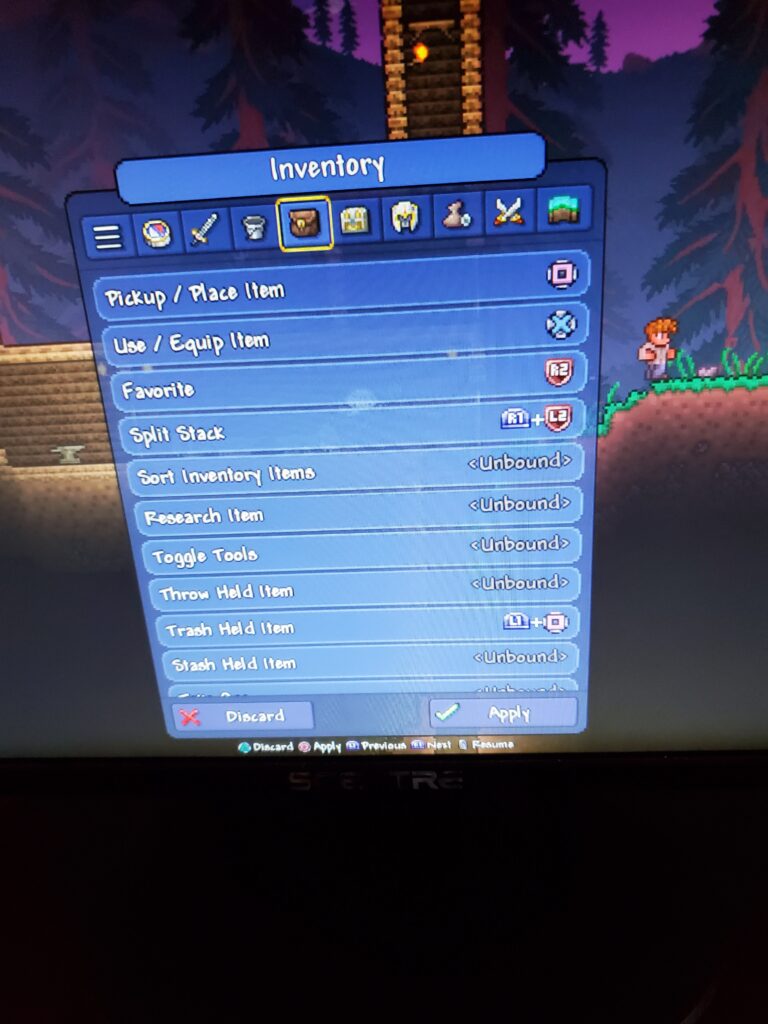
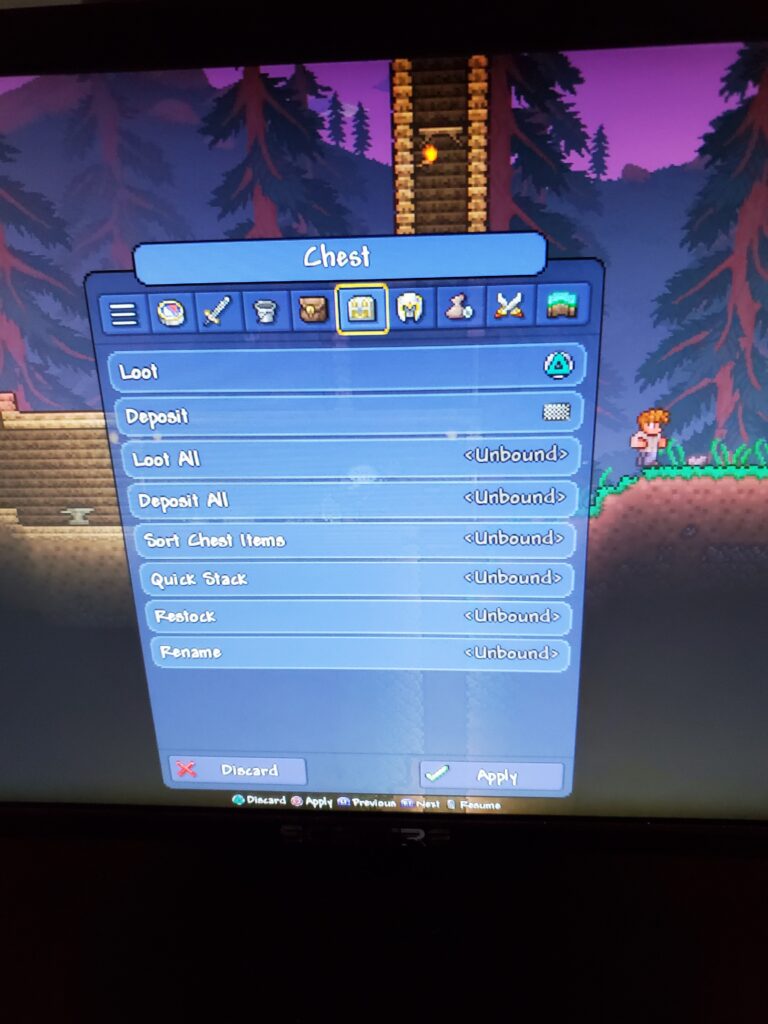
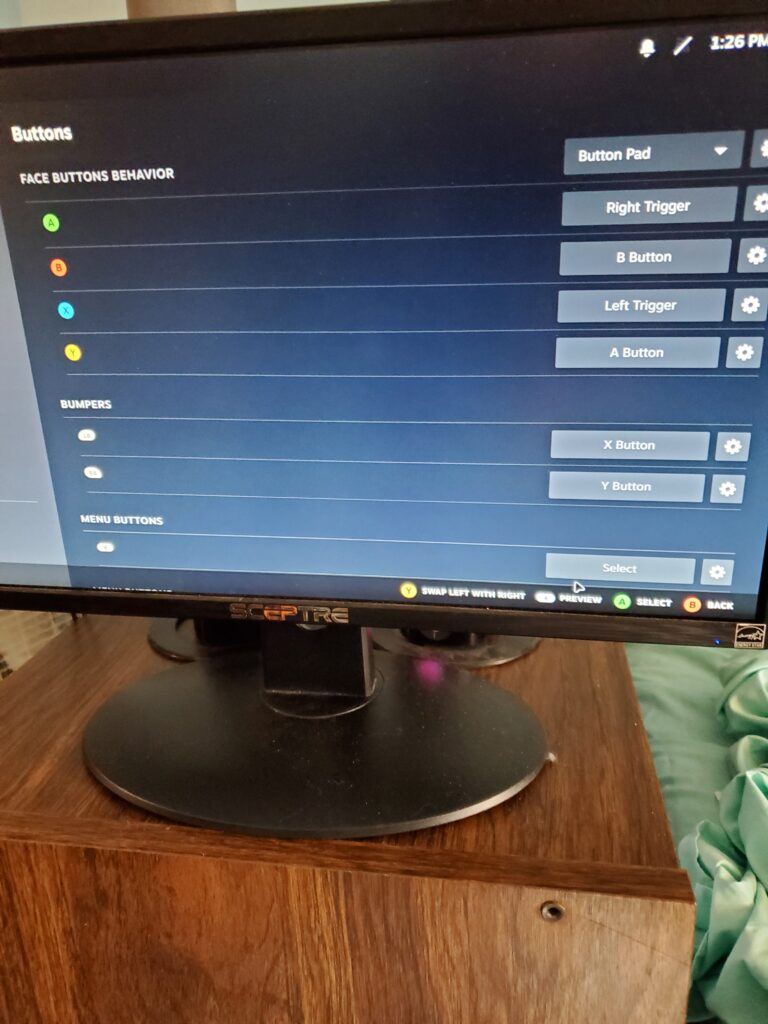
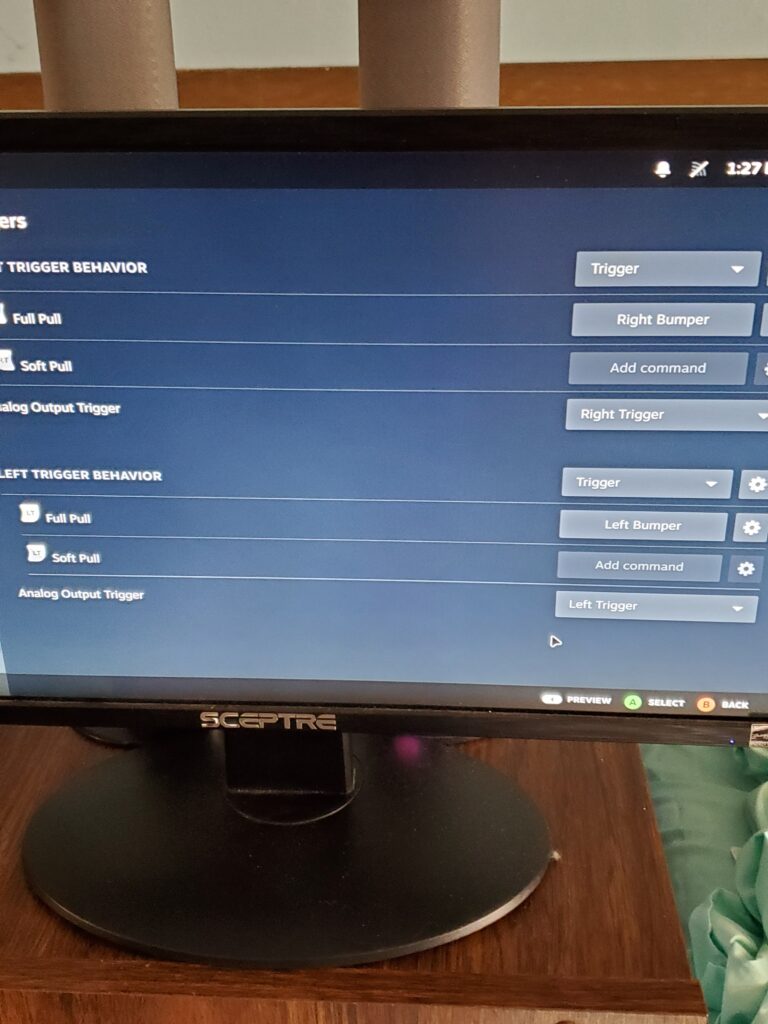
This is the setup I use with a left Joy-Con controller. I’ve added pictures, and I can upload the remapping for different games as well. Check it out!
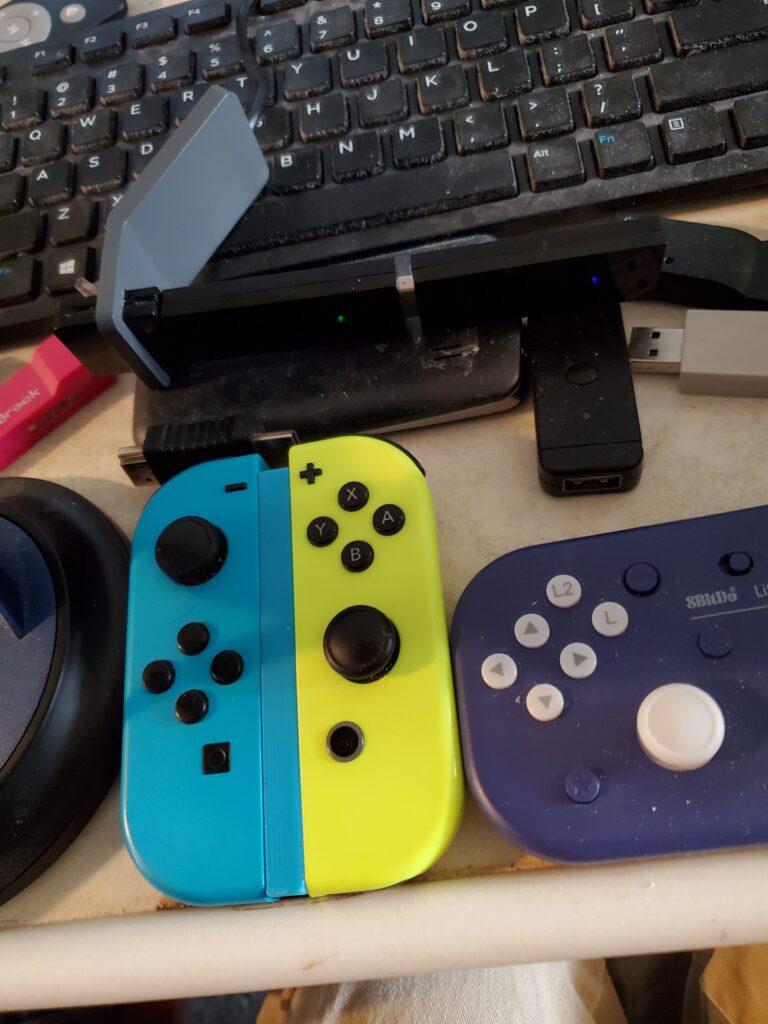
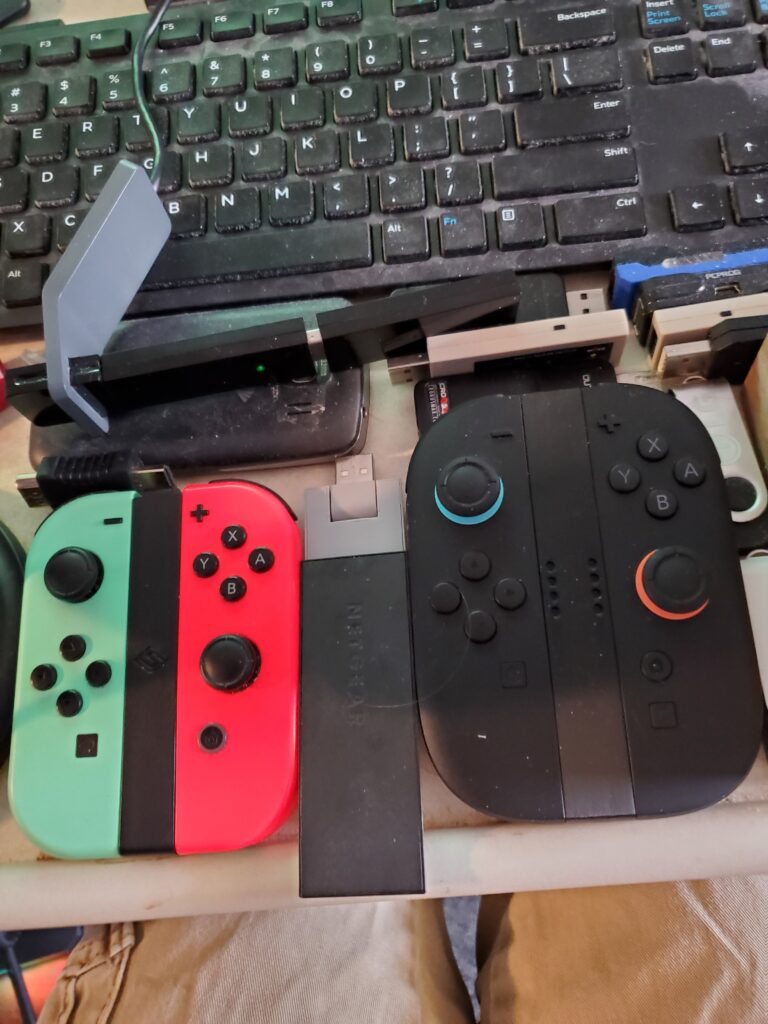
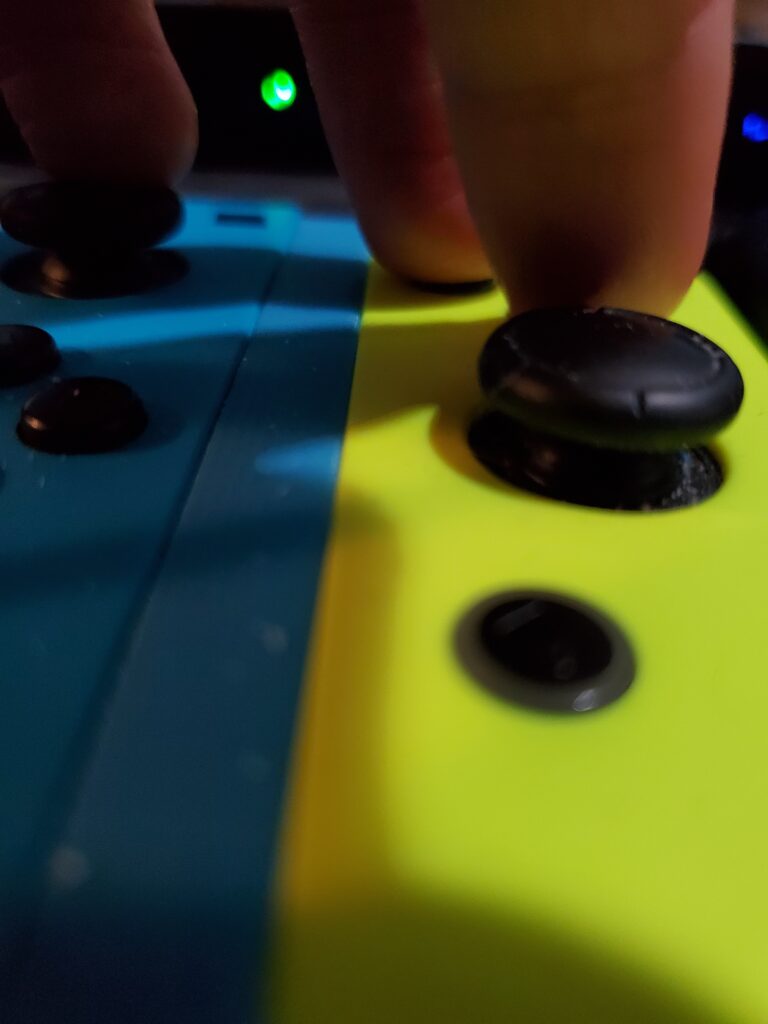
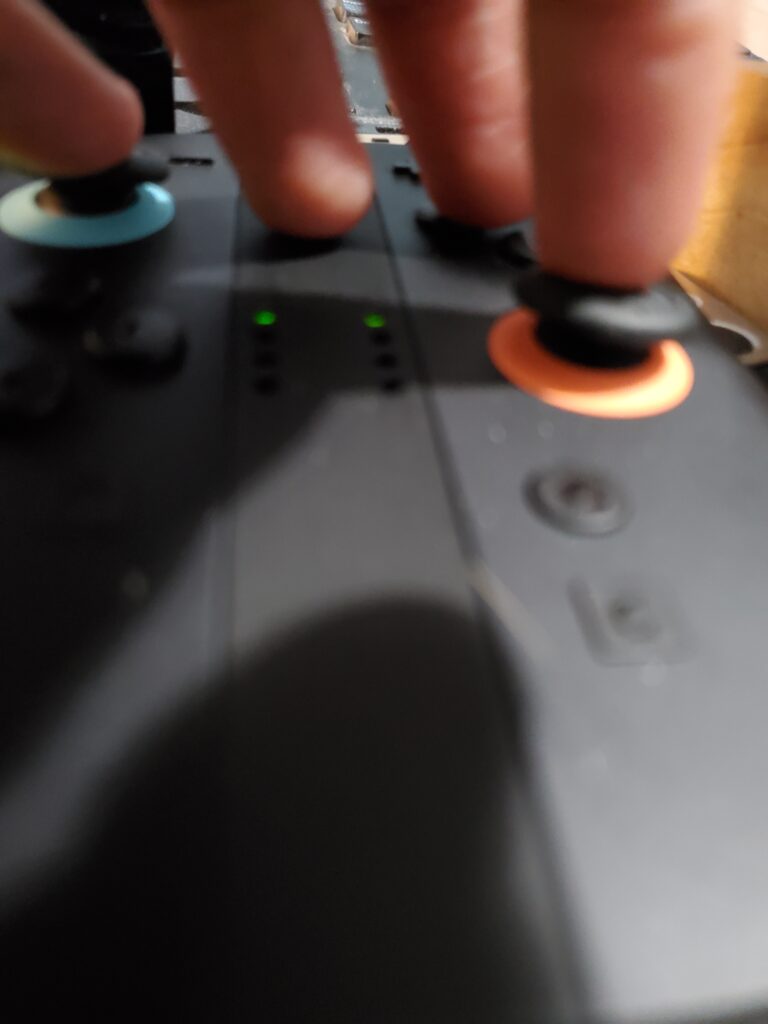
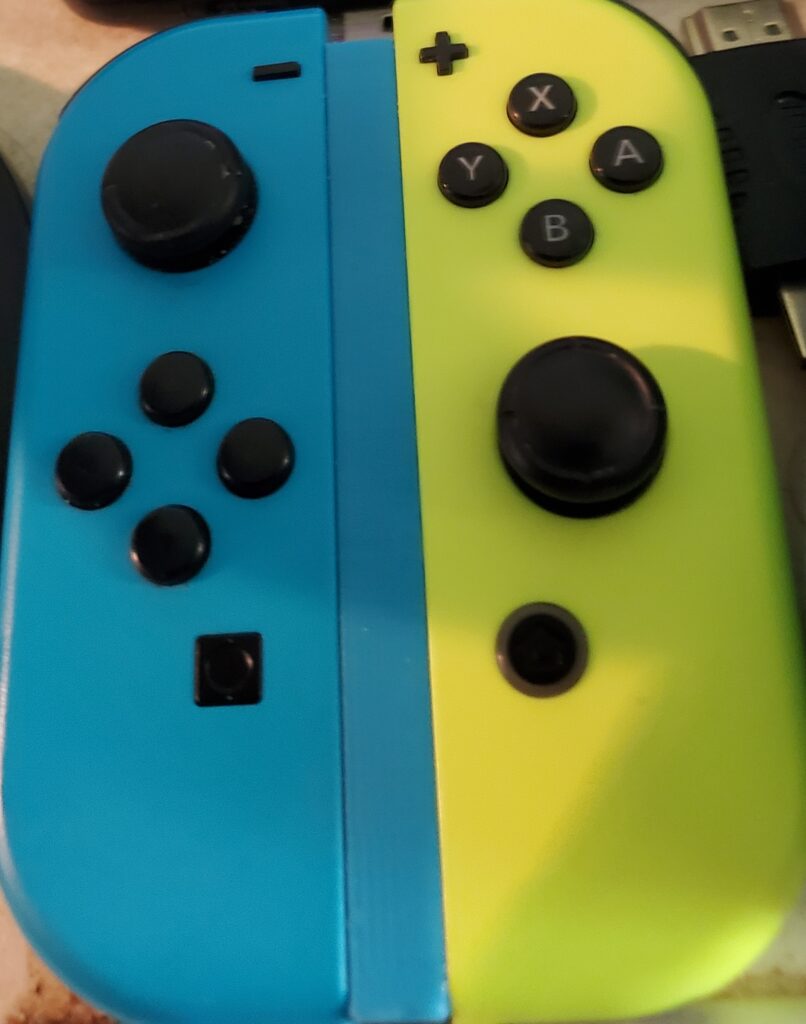
Here are some links if you want to buy them:
One-Hand Grip for Joy-Con 2 Controllers
Joy-Con Controller Adapter: Controller Rail for Switch
I like these because they work really well with all of them. However, you would need to buy a different adapter for something like the Xbox Series S/X.
Additionally, the Cronus Zen works fine when plugging in the one-handed controller with the adapter on the PS5.
I have a new adapter that works for Joy-Con! It’s called Brook Wingman P5, and it works flawlessly! Check it out: Brook Wingman P5
These are the two adapters I use for PC and PS5. However, for the Joy-Con, I needed to use two adapters because one adapter alone is not good at all. Anyway, here is the link for that: MAYFLASH Magic-S PRO 2 Wireless Bluetooth USB Adapter
This is the one-handed controller, and it works, but my hand is very small, so I can’t really use it anymore. Anyway, here’s the link to buy it if you’re interested: HORI Super Robot Wars One-handed Controller
Here is a link for Cronus Zen on PS5 console: Cronus Zen
It also doesn’t require the computer app anymore—it’s just for the console now! However, you might still need to use it one time to update the firmware, but that’s it. There are no hacks involved; it just takes a little time to set up on the PS5 console. I also don’t use my pinky finger anymore, so I play using only four fingers.
Cronus Zen How-To
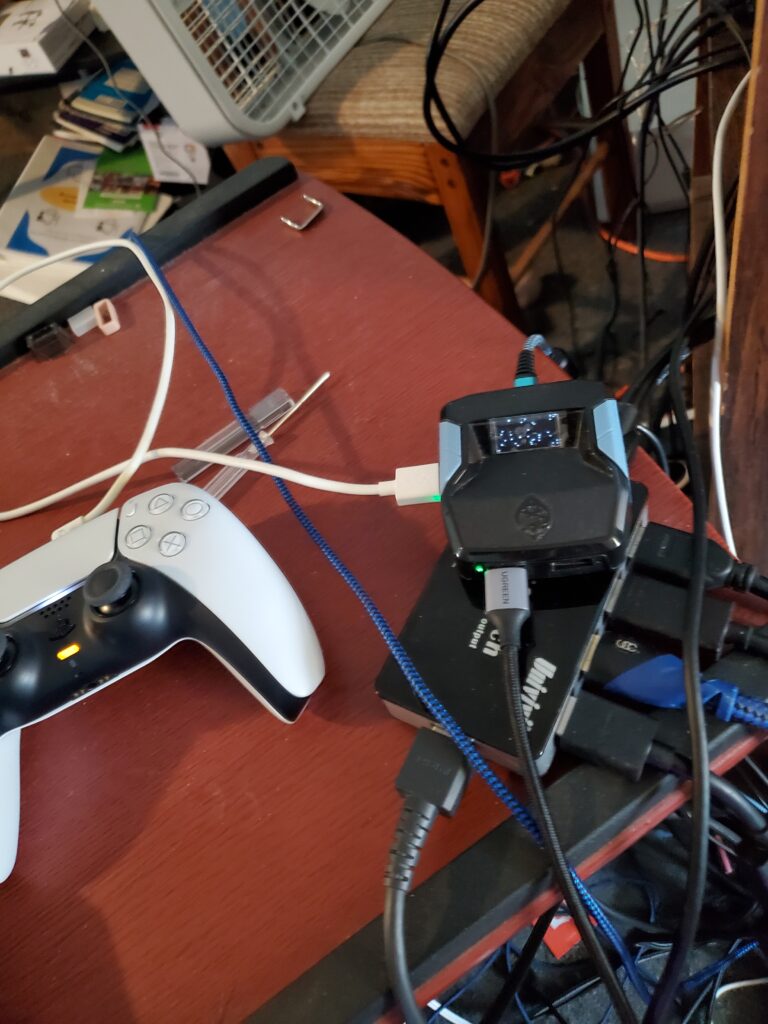
I want to show you how I do that on the Cronus Zen on PS5 console. First, unplug it from the back.
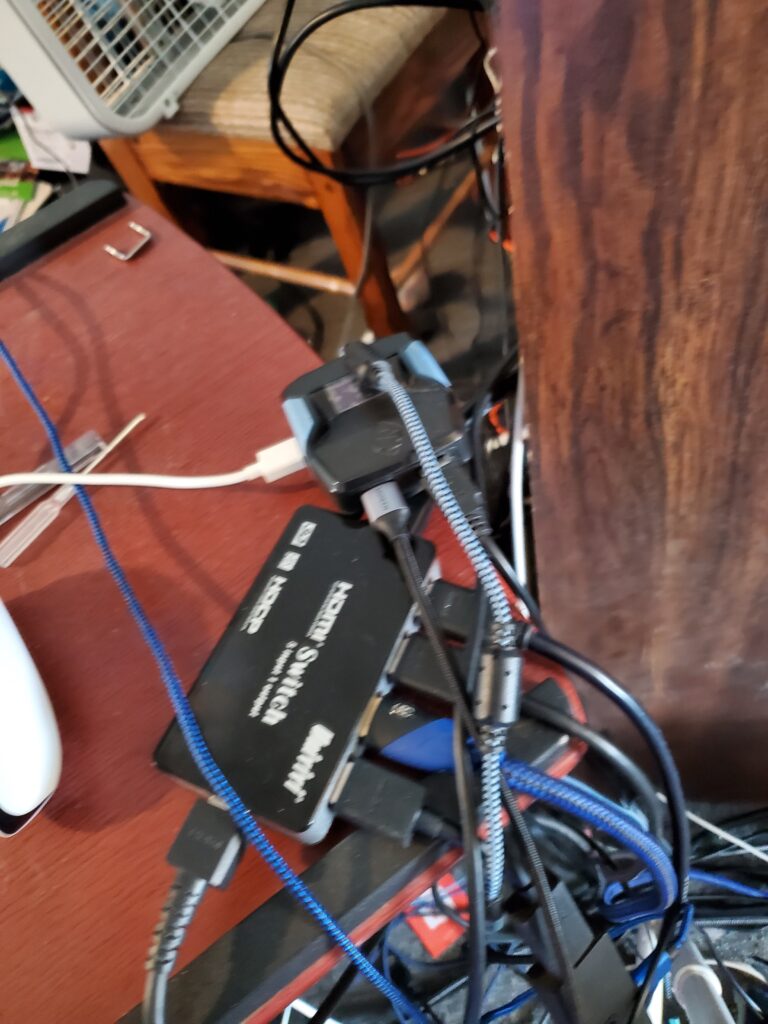
I need to turn on the PS5 controller. I also unplug it again and reconnect the controller, just in case.
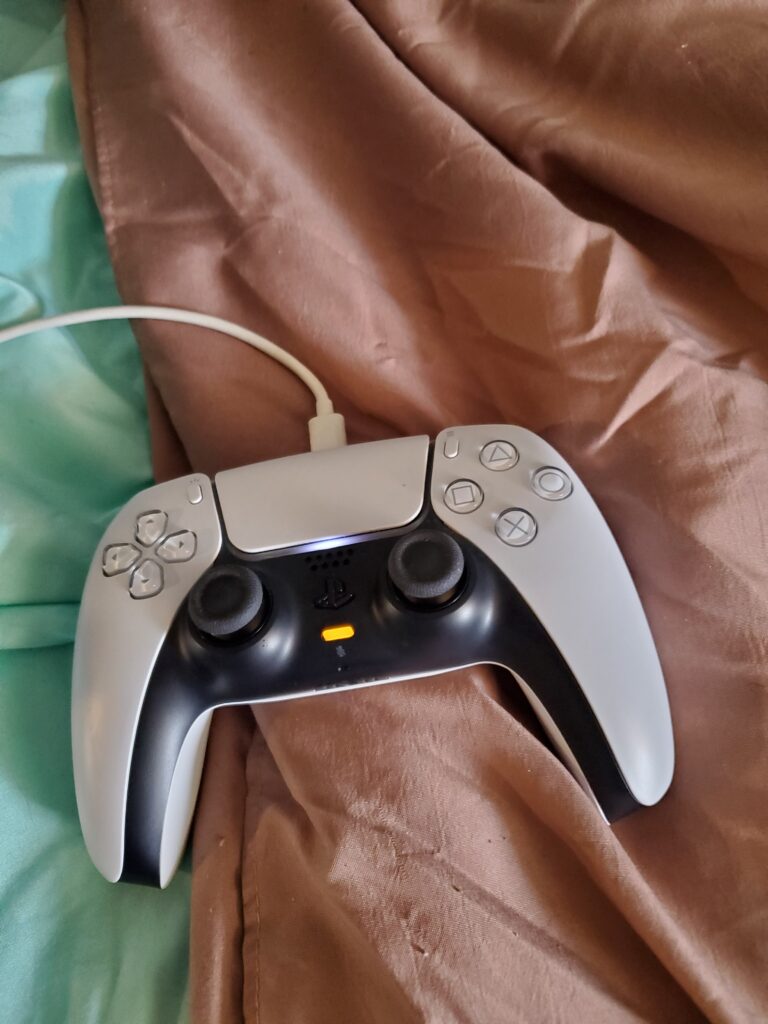
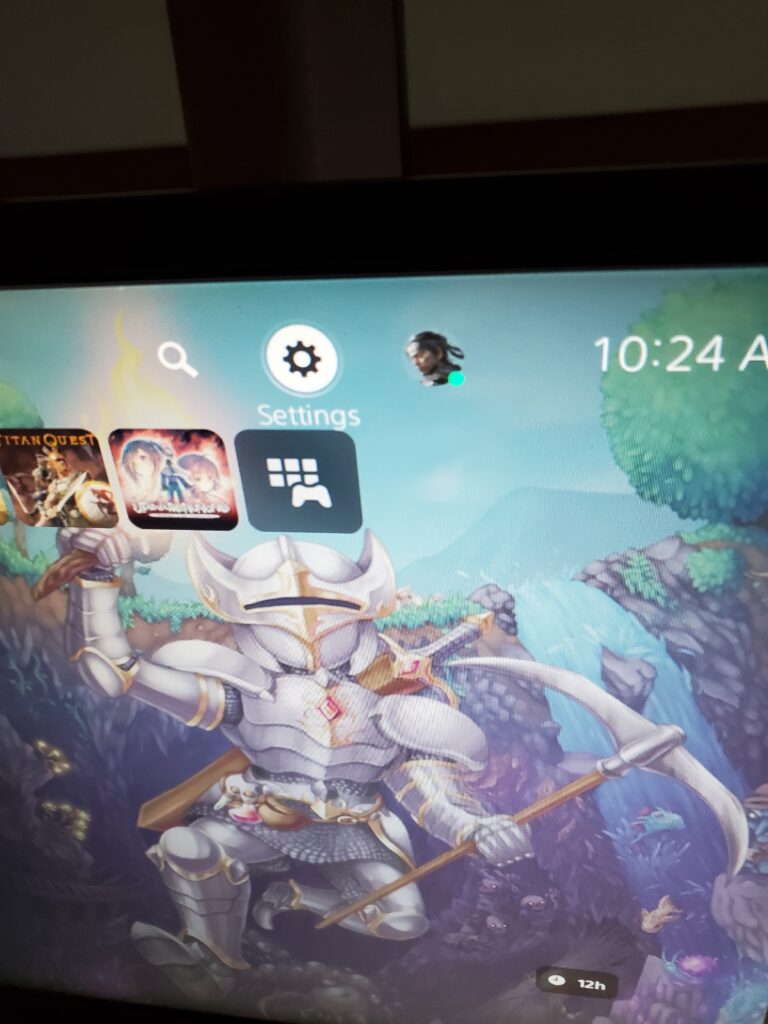
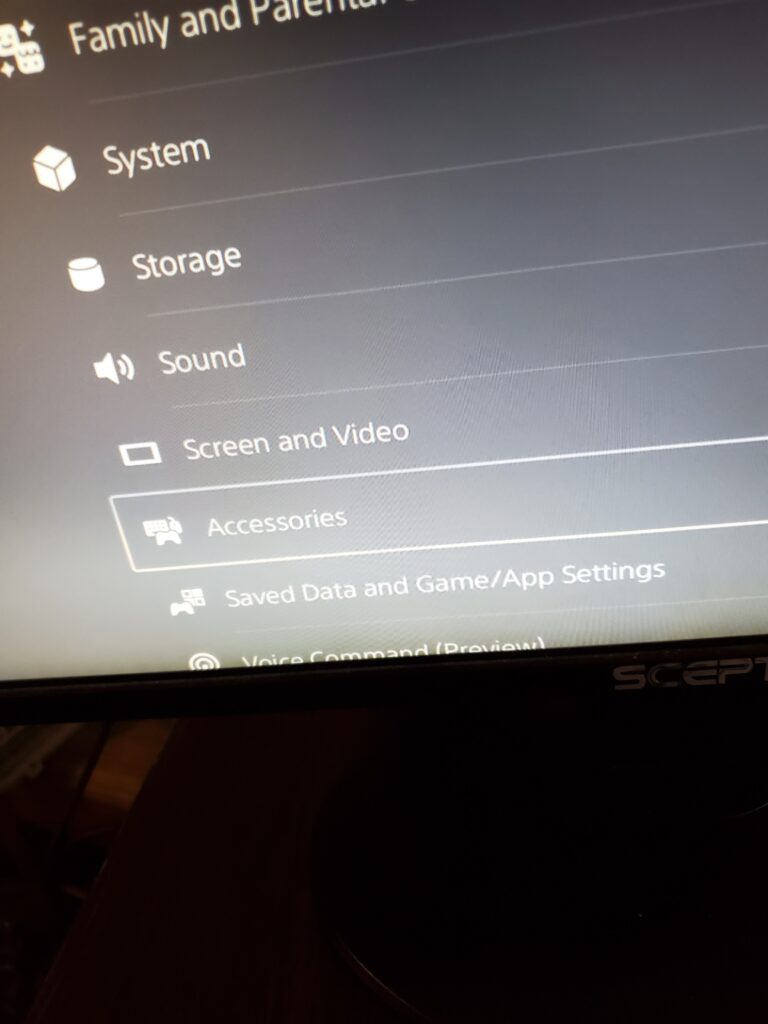
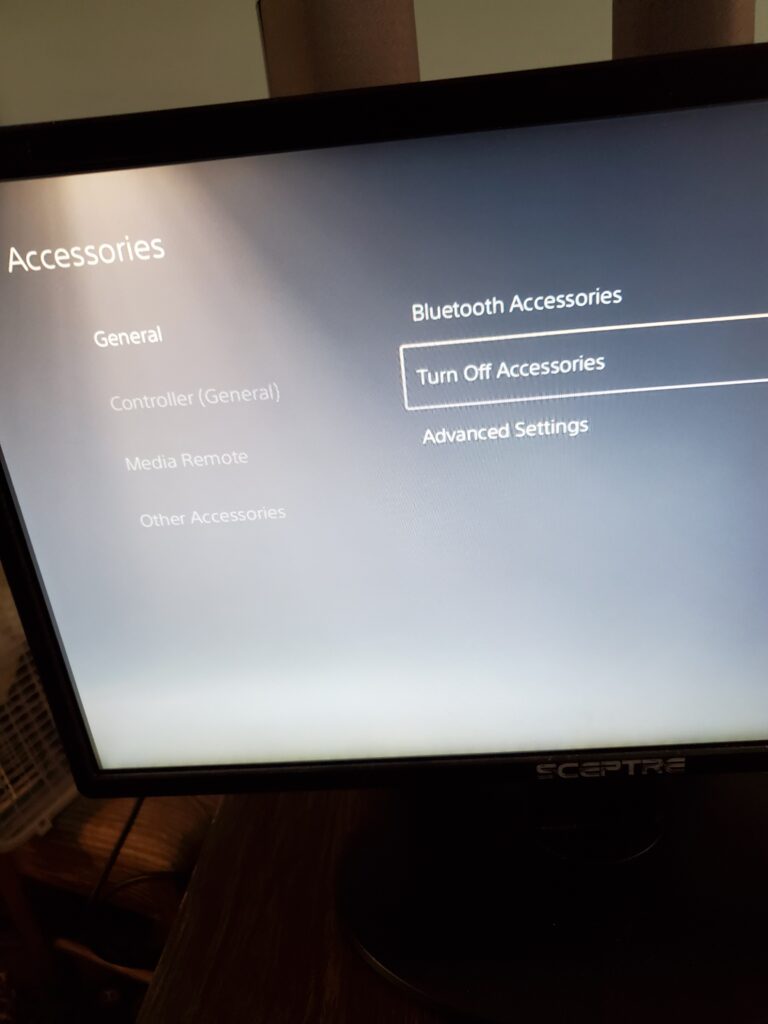
Then I reconnect the controller USB to the left side of the Cronus Zen. Next, I plug it back into the top and press the D-pad right on the controller, holding it until something appears. And voilà!
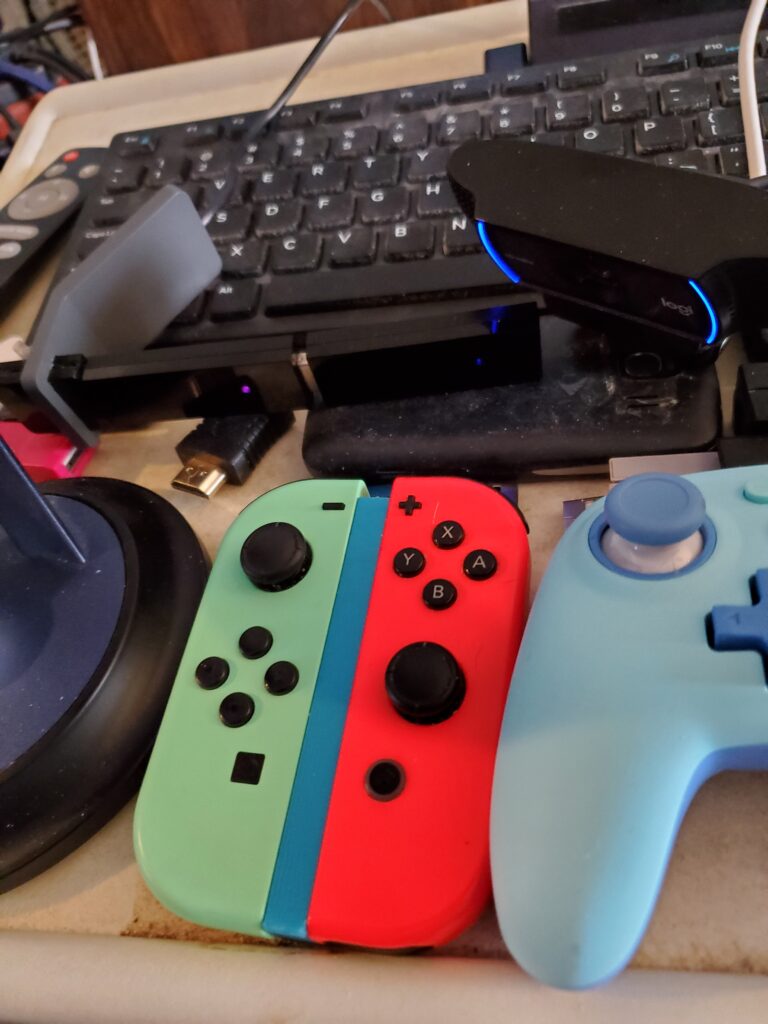
I hope it’s useful for you. It also works on the Joy-Con!
PS5: Metal Gear Solid 1: Master Collection Vol. 1
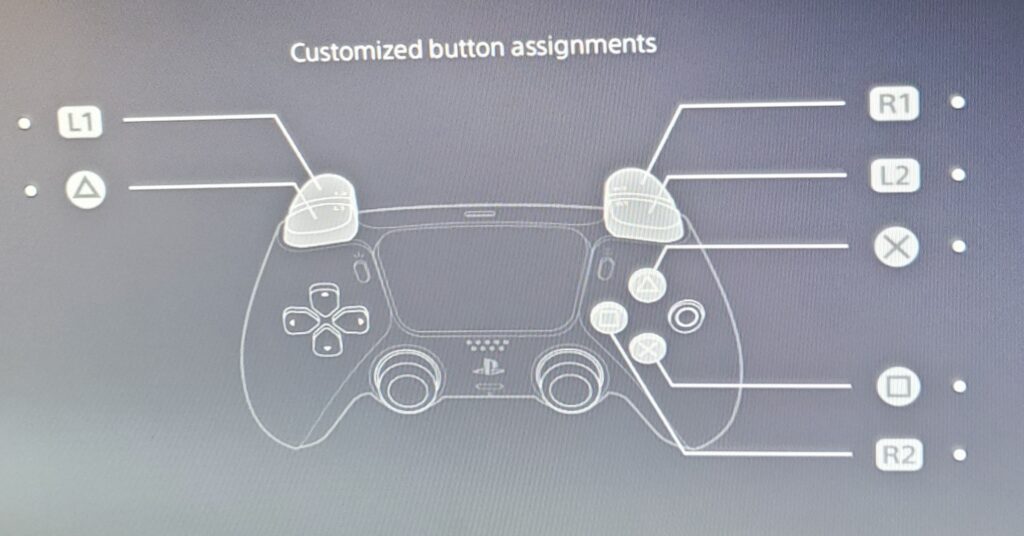
Playstation 5: Resident Evil 4 Remake
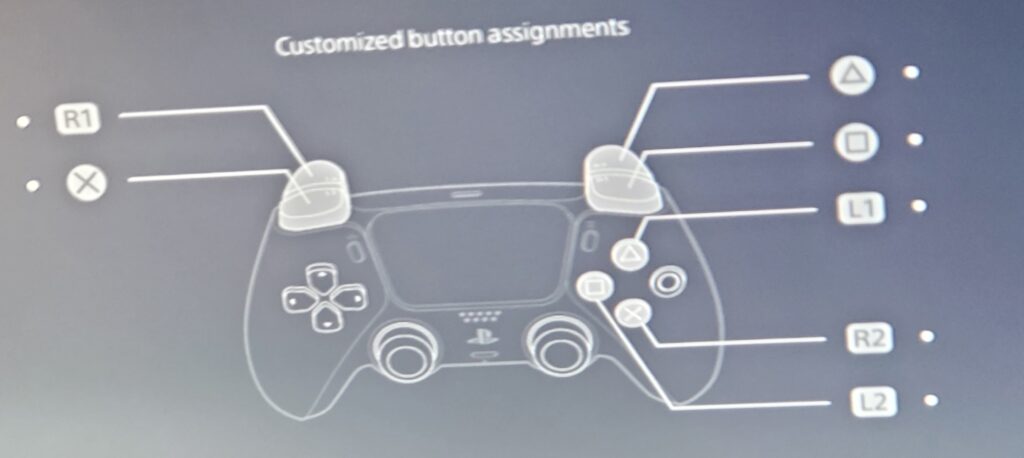
Playstation 5: Resident Evil 3 Remake
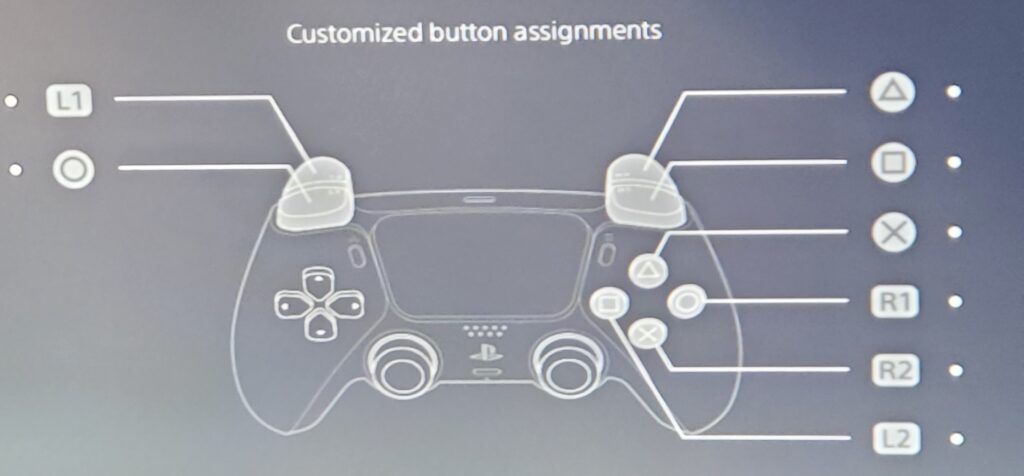
Playstation 5: Resident Evil 2 Remake
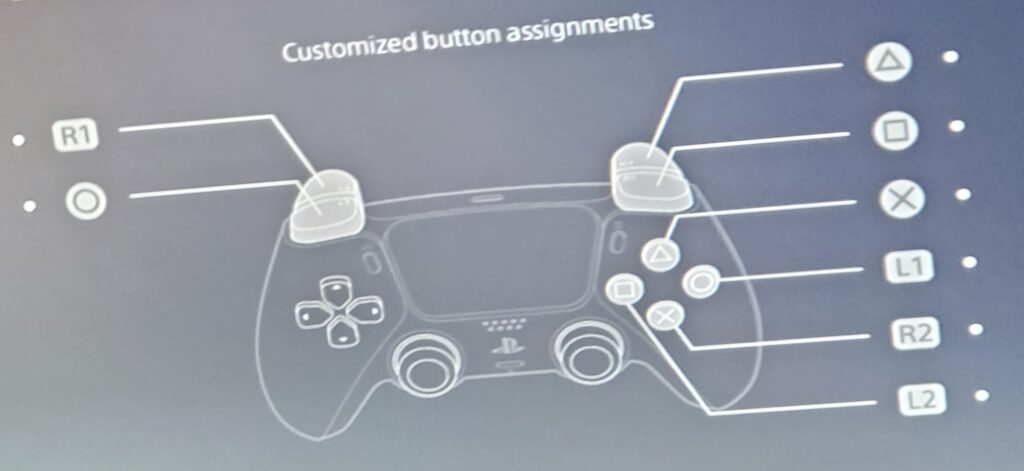
Playstation 5: Resident Evil Requiem
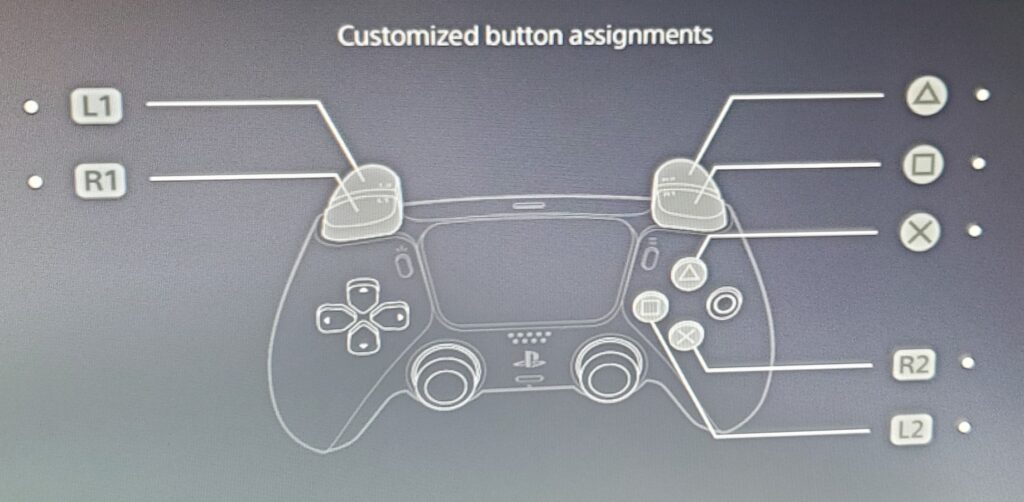
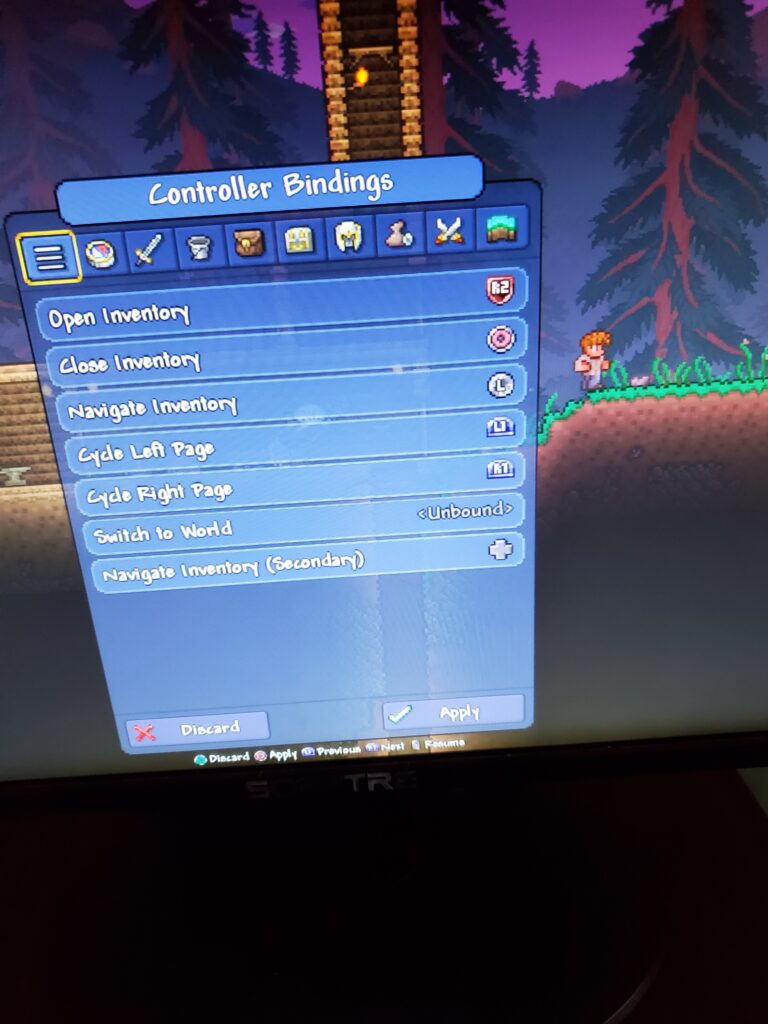
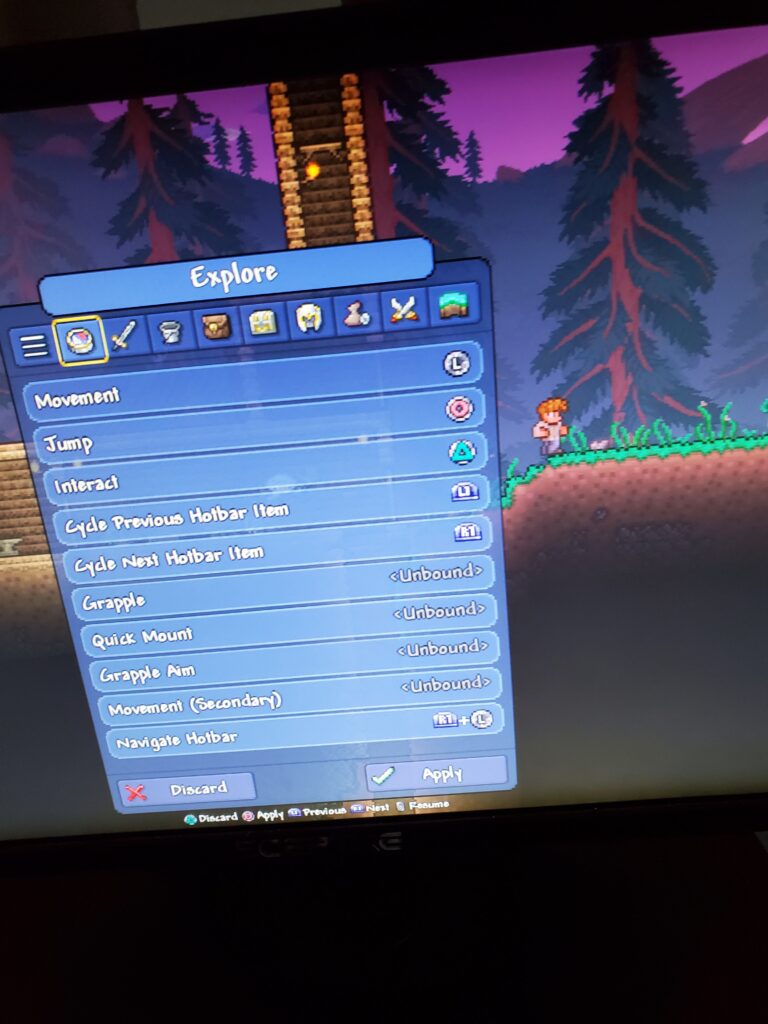
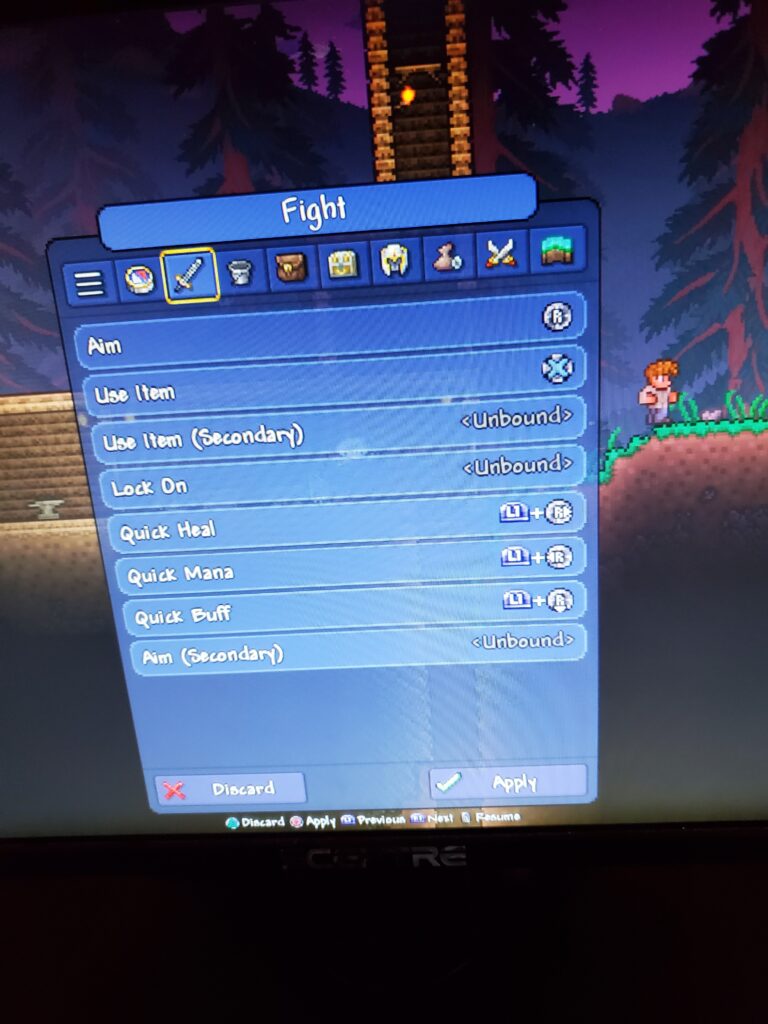
Playstation 5: Terraria
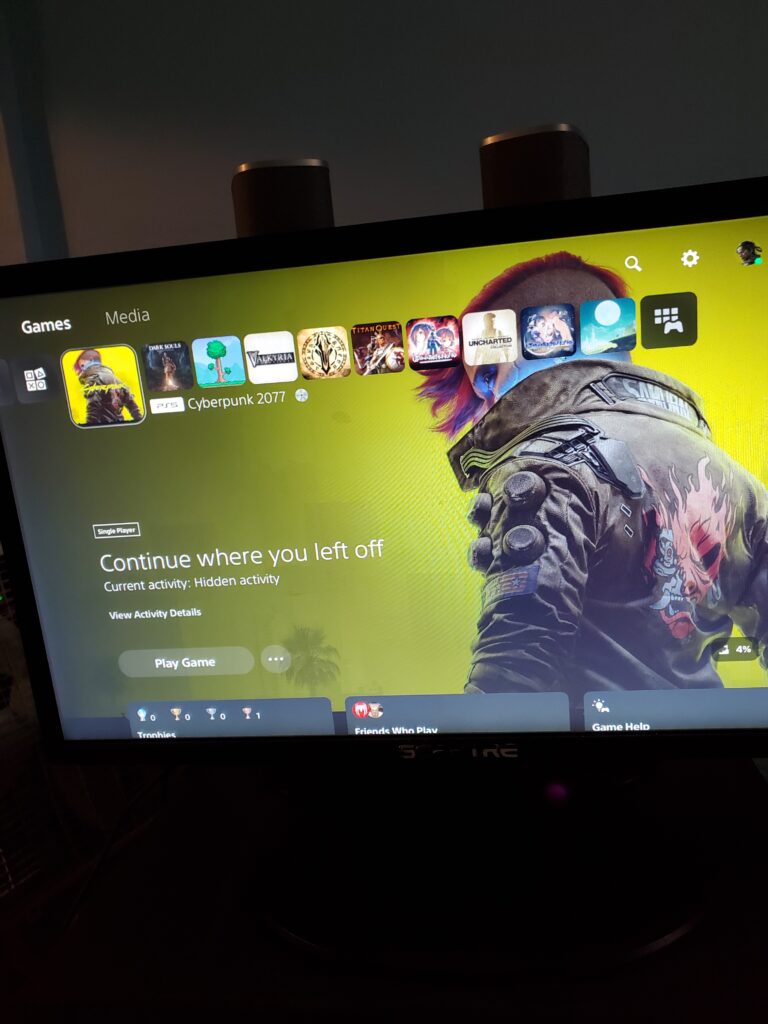
Playstation 5: Cyberpunk 2077
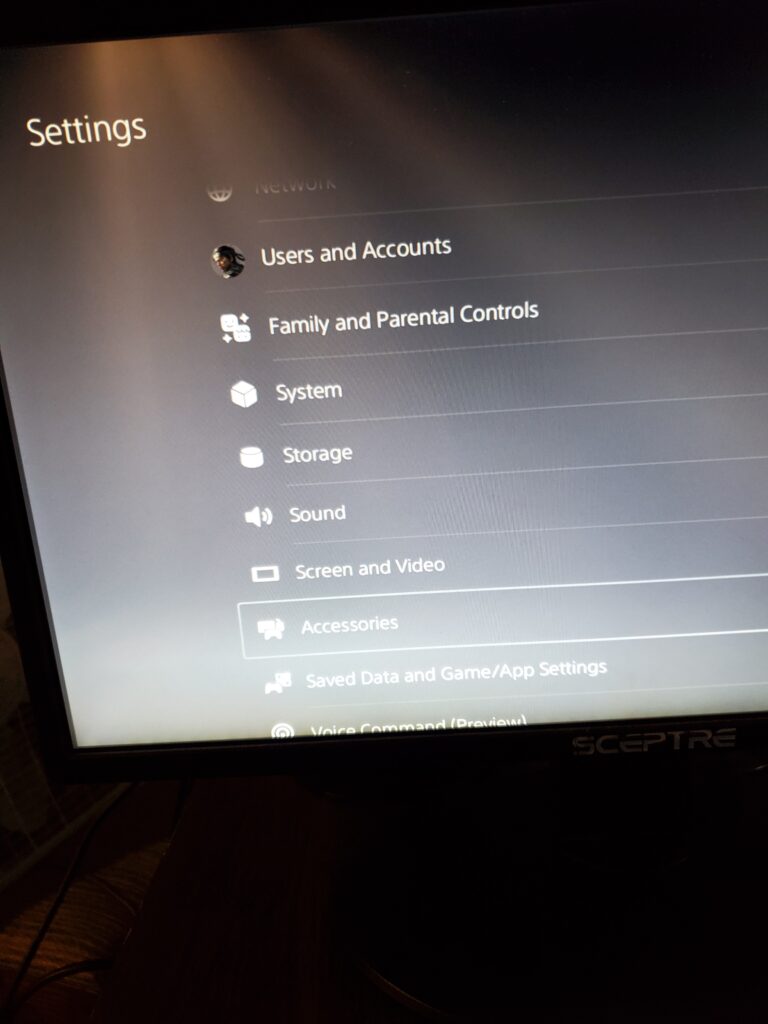
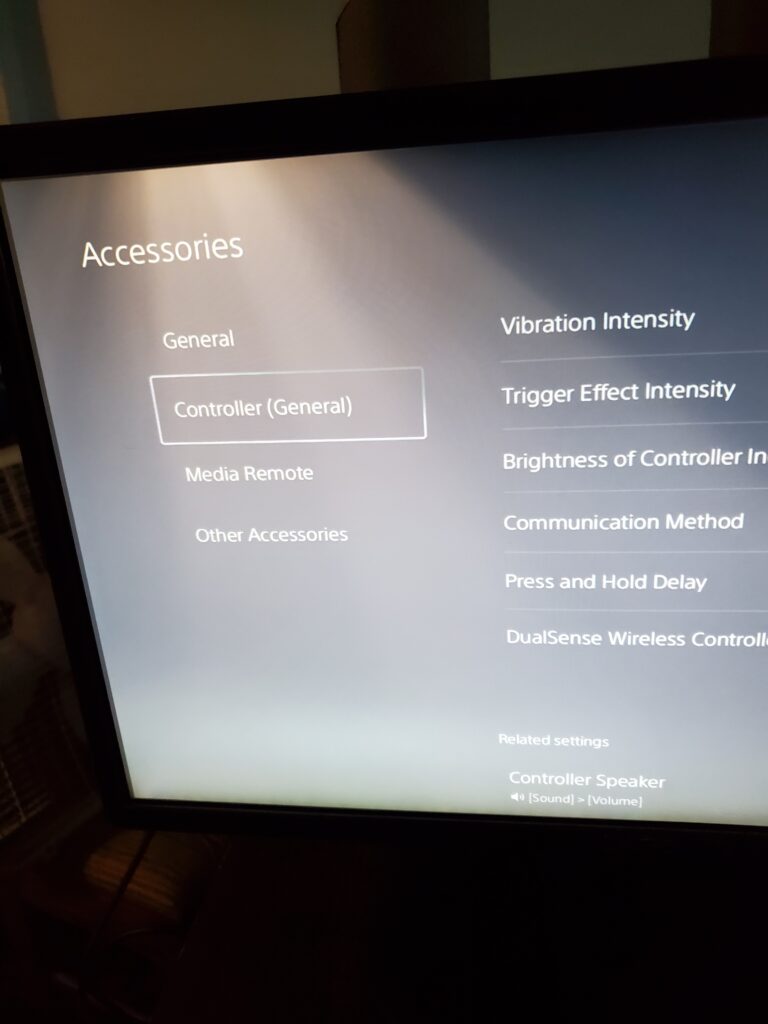
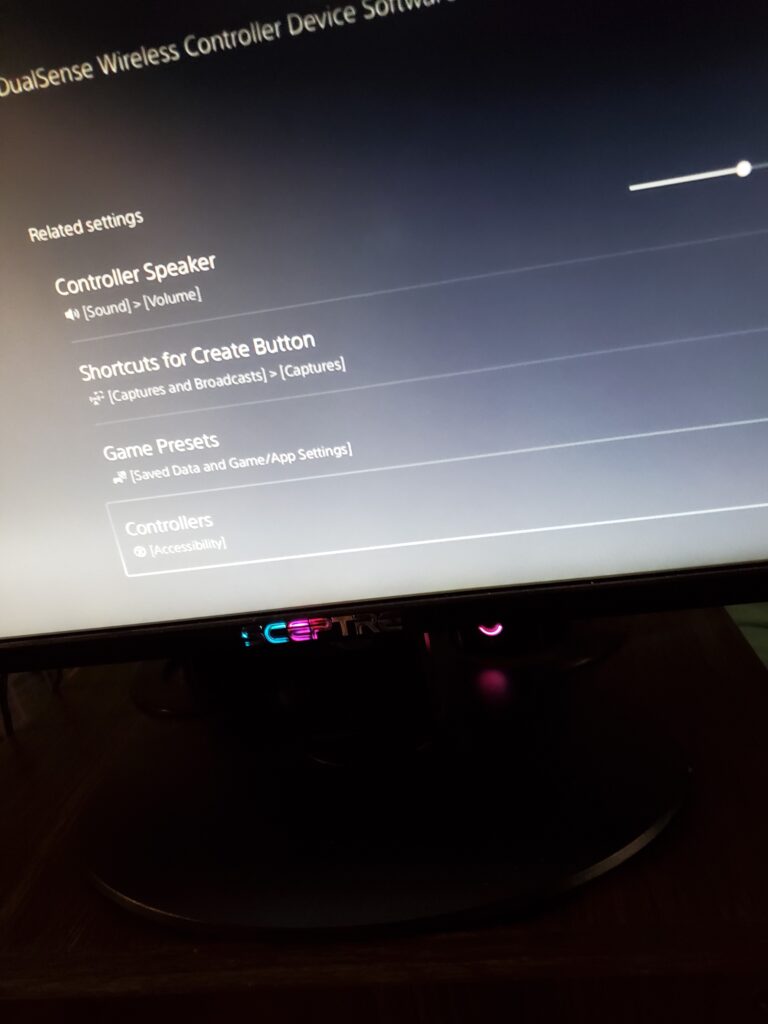
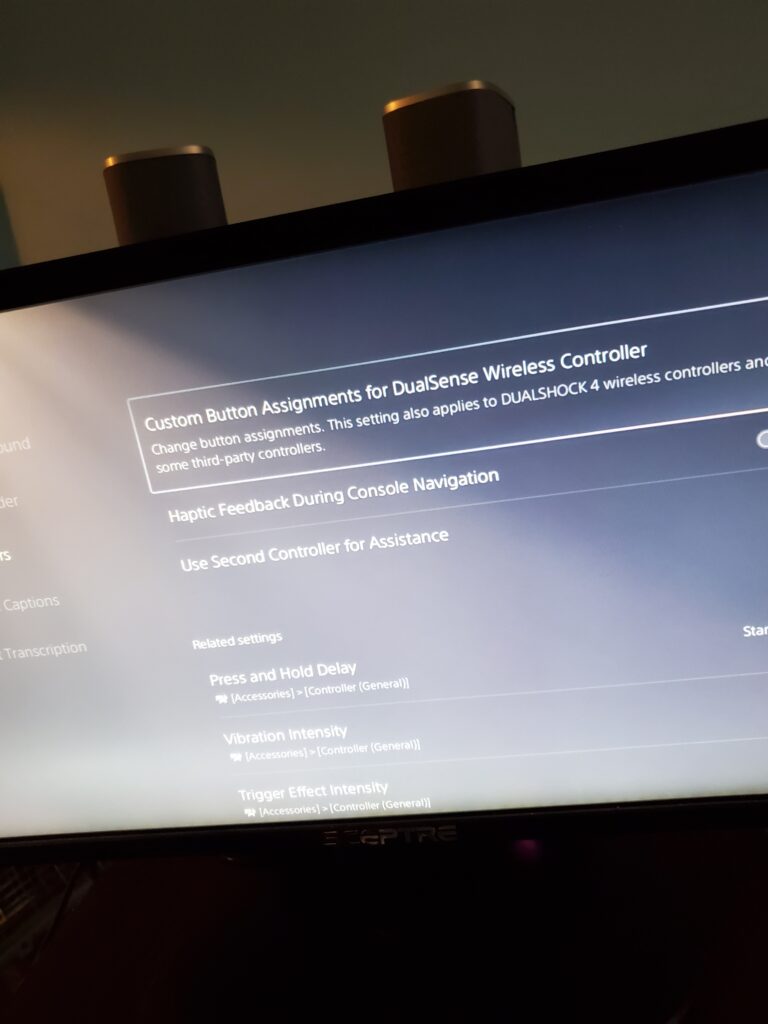
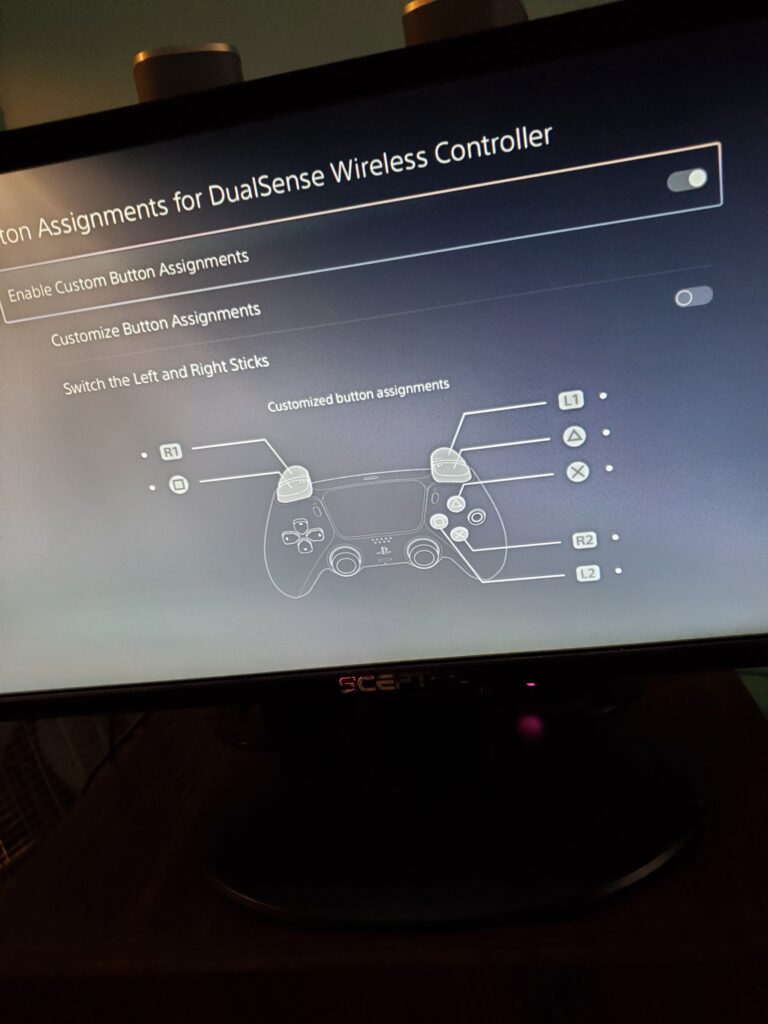
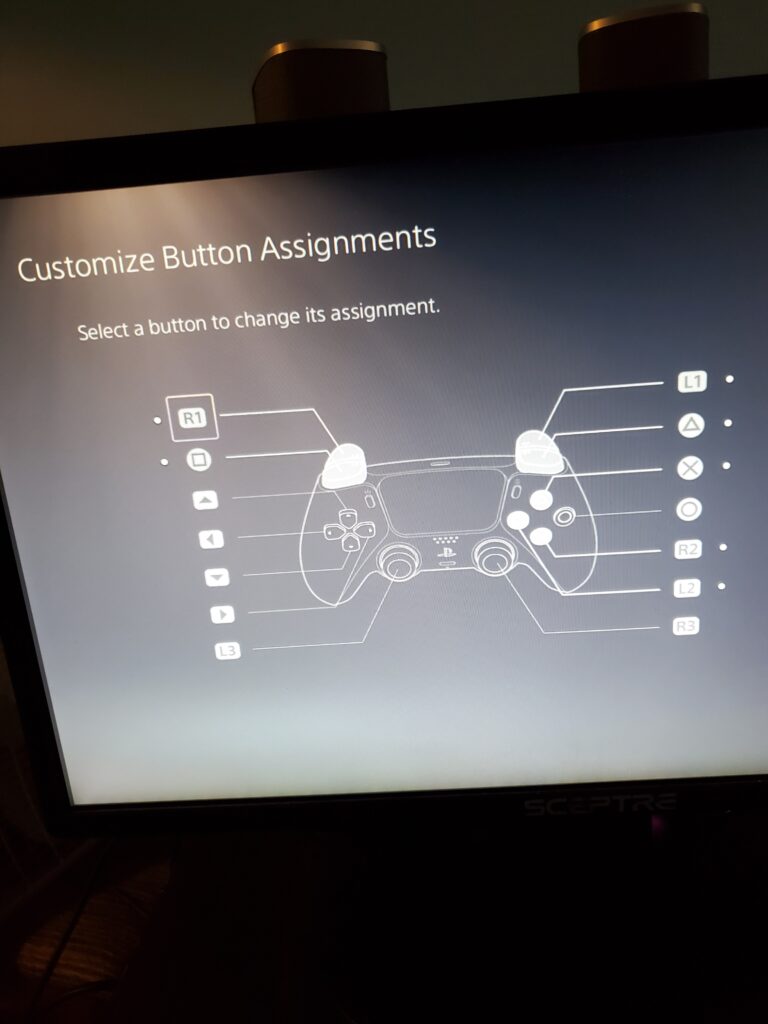
Nintendo Switch
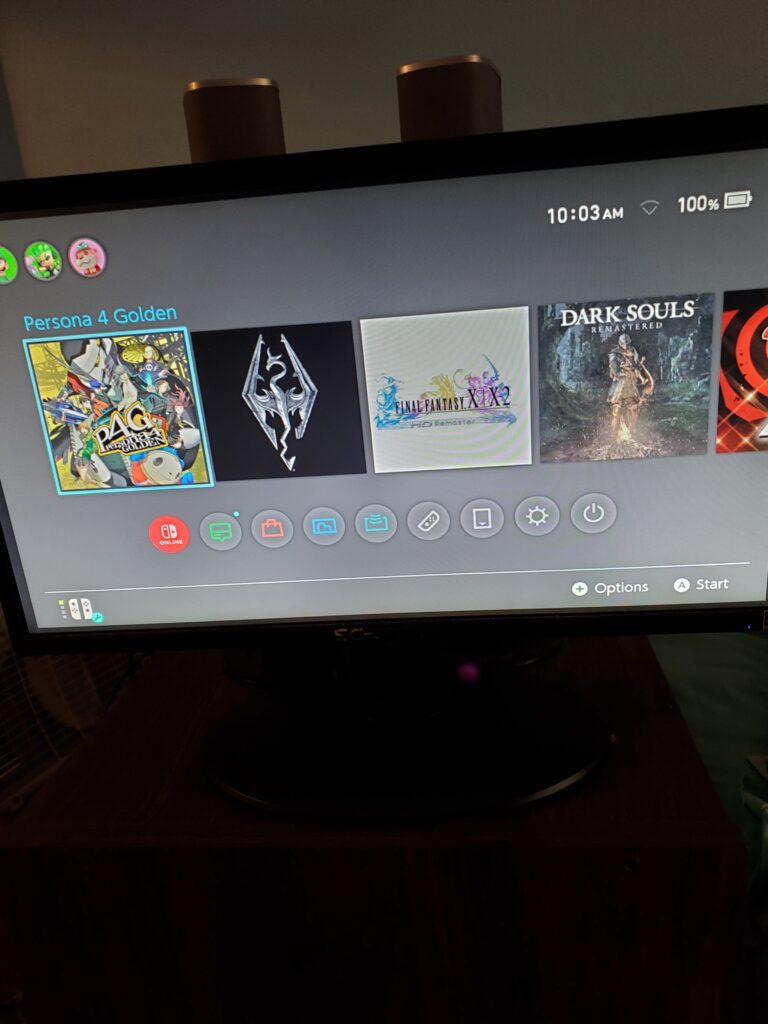
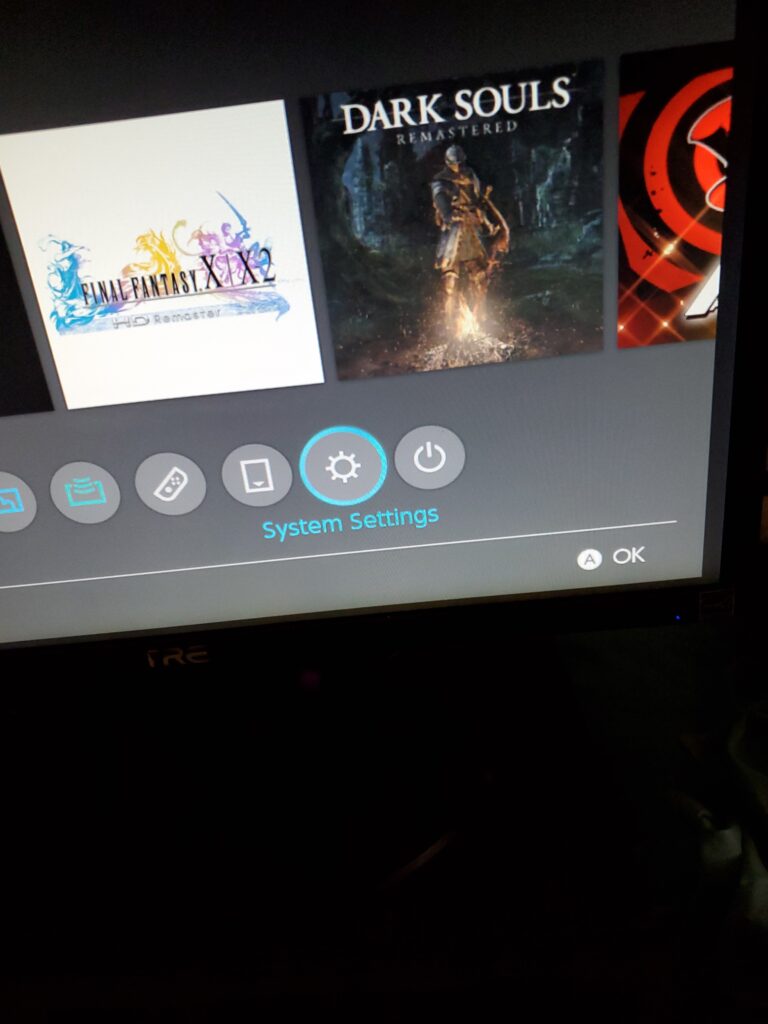
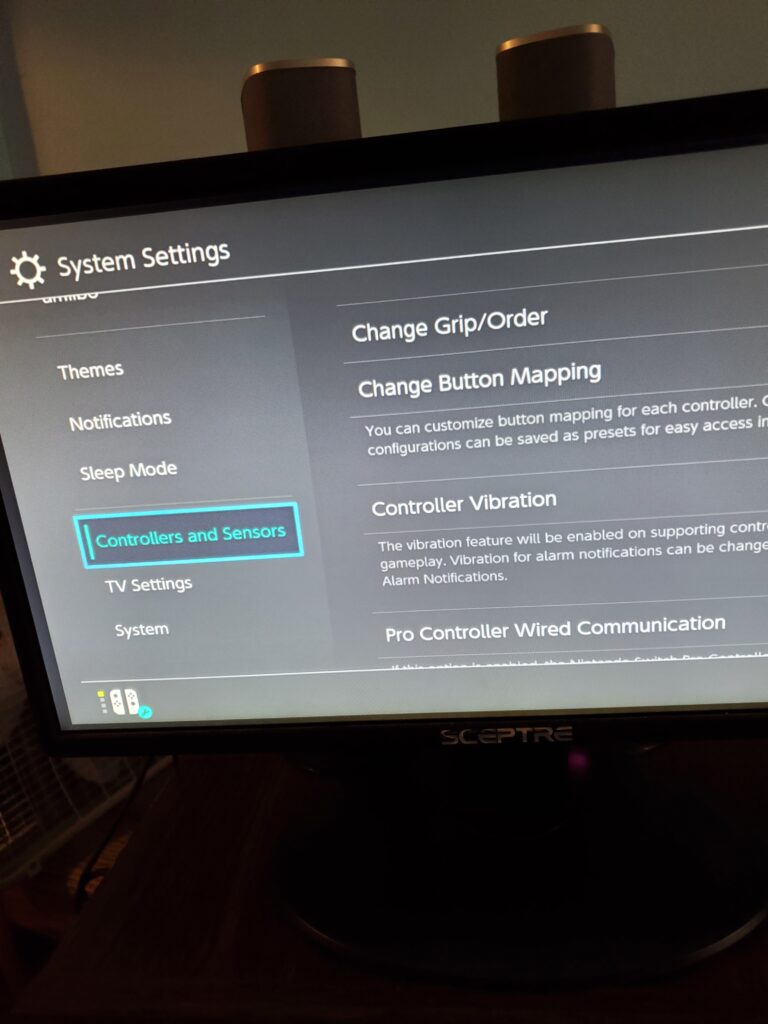
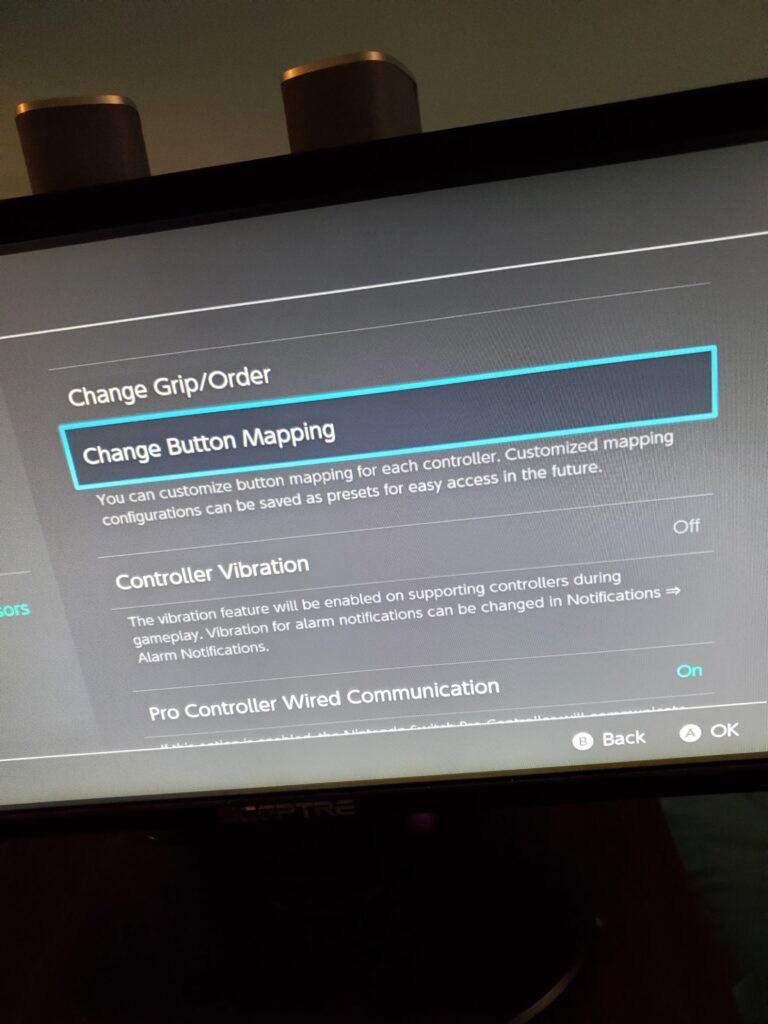
I changed the Joy-Con (R) mapping to: ‘A’ → ‘B’ and ‘B’ → ‘A’.
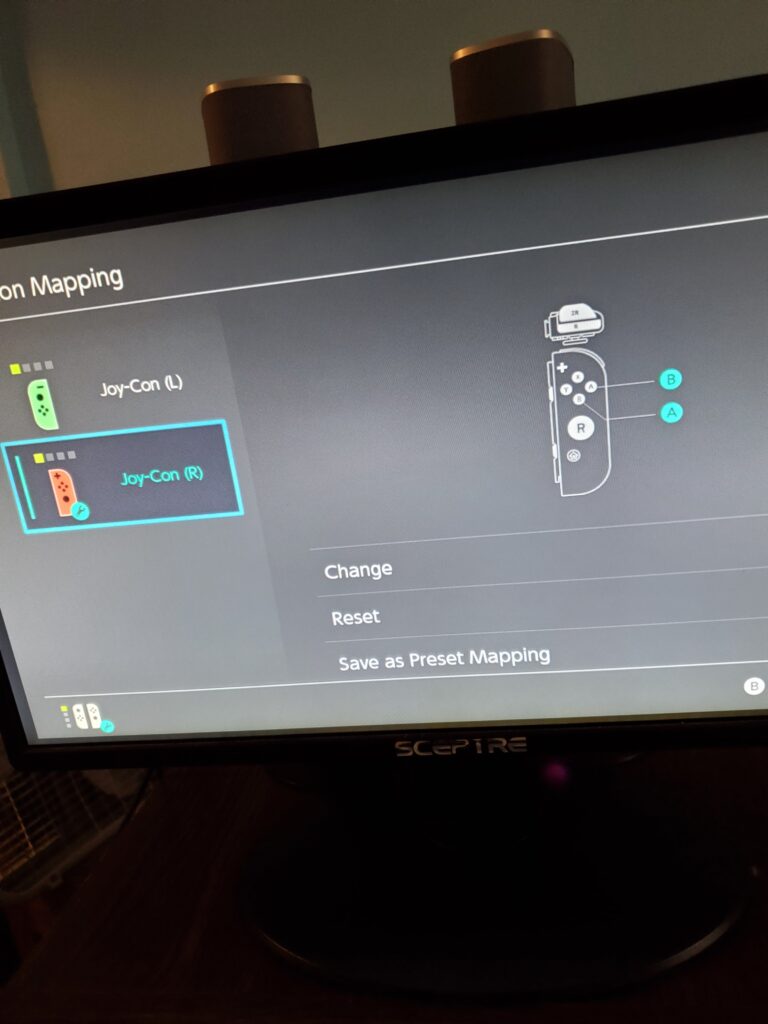
Nintendo Switch 2
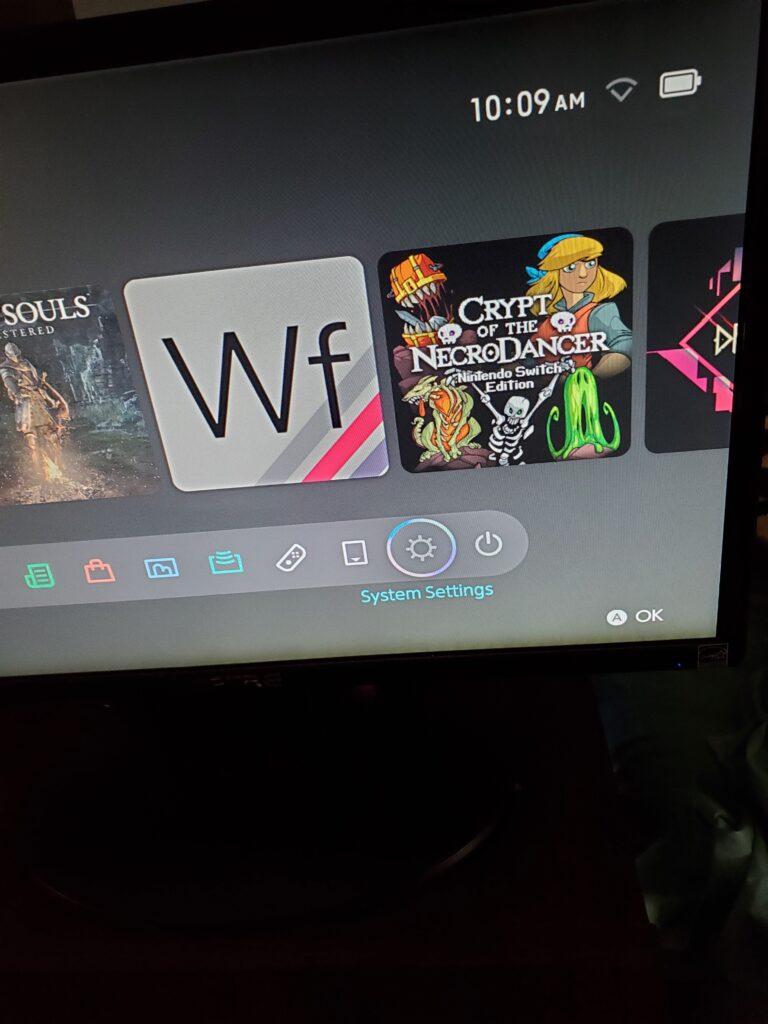
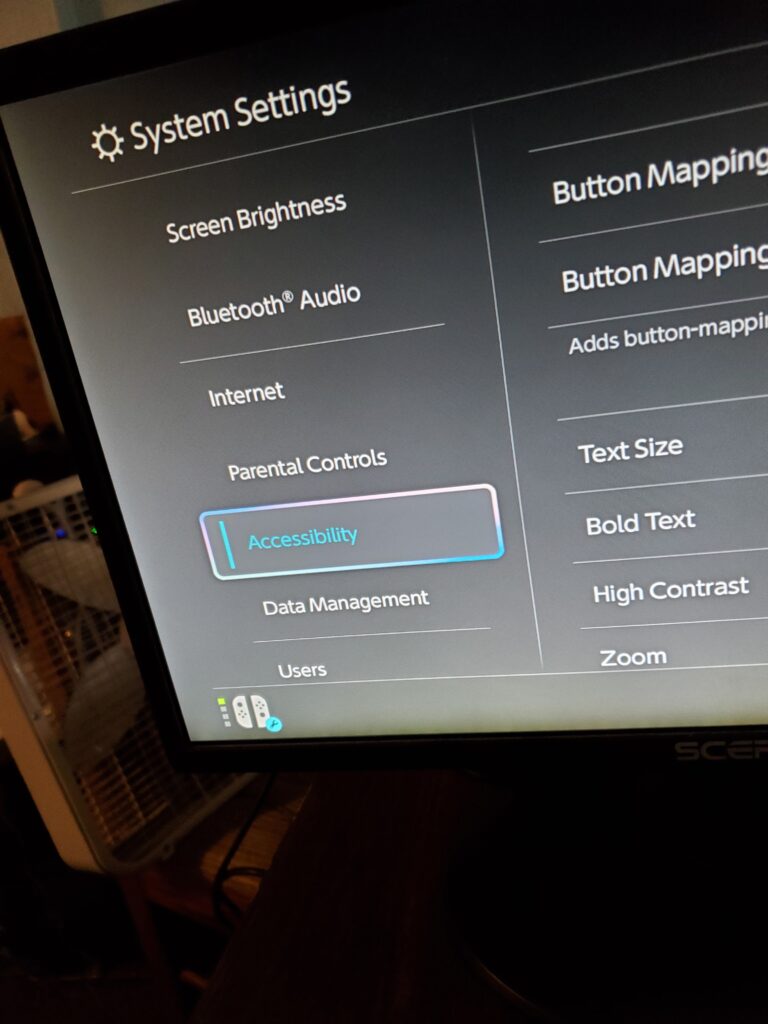
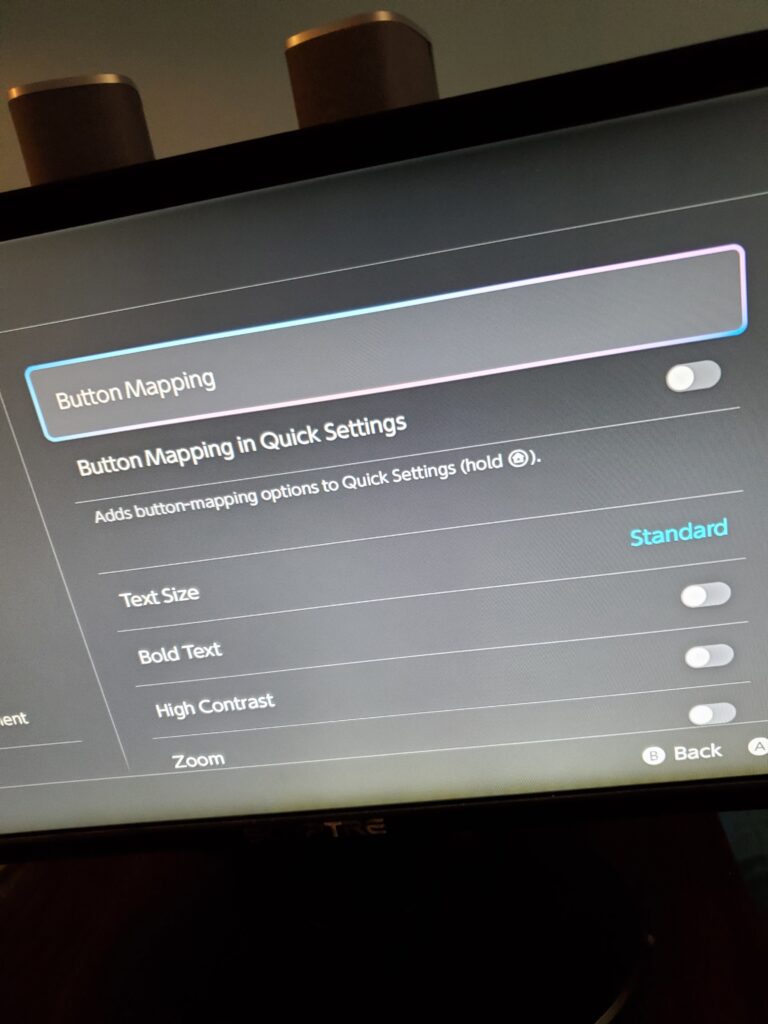
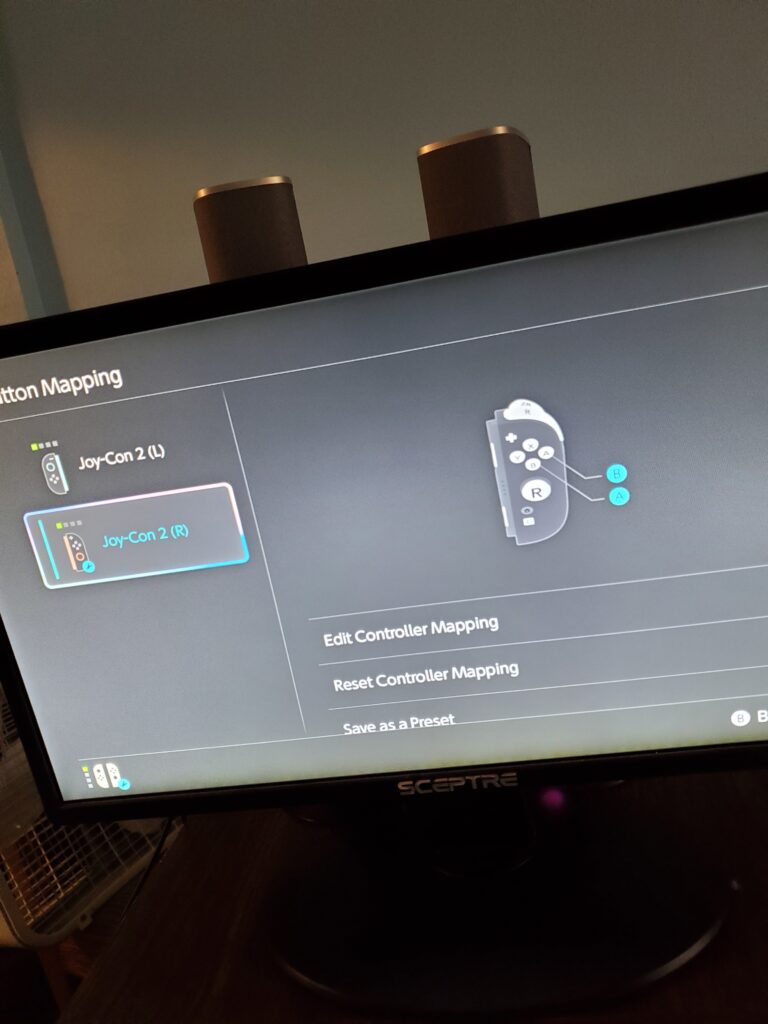
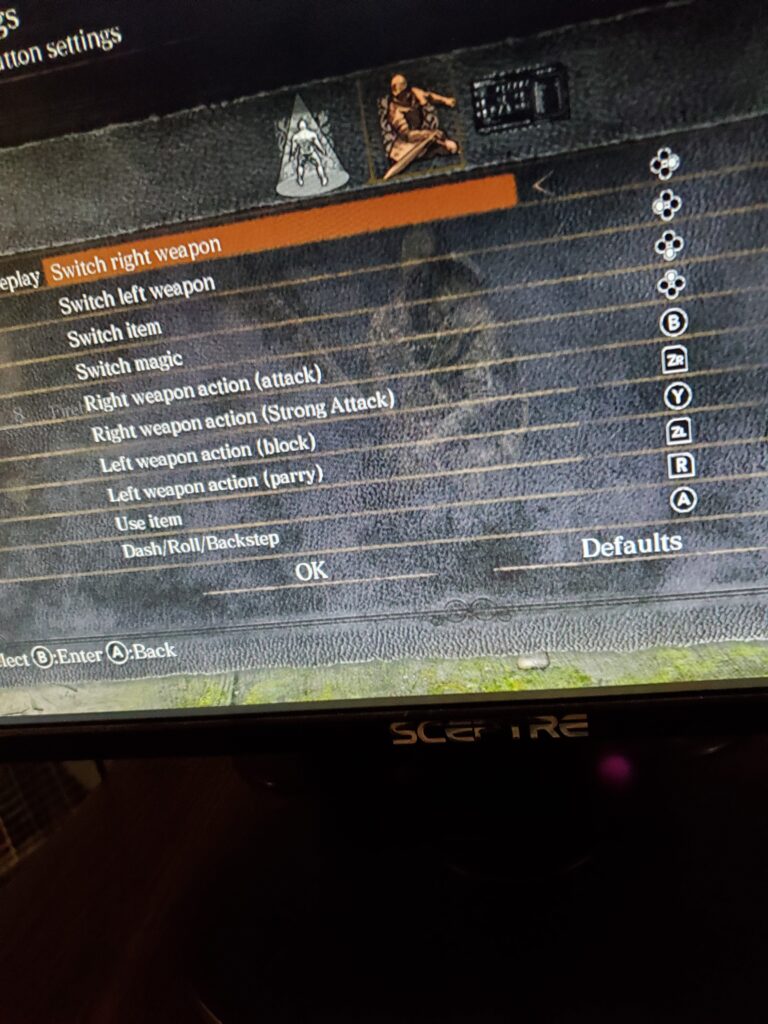
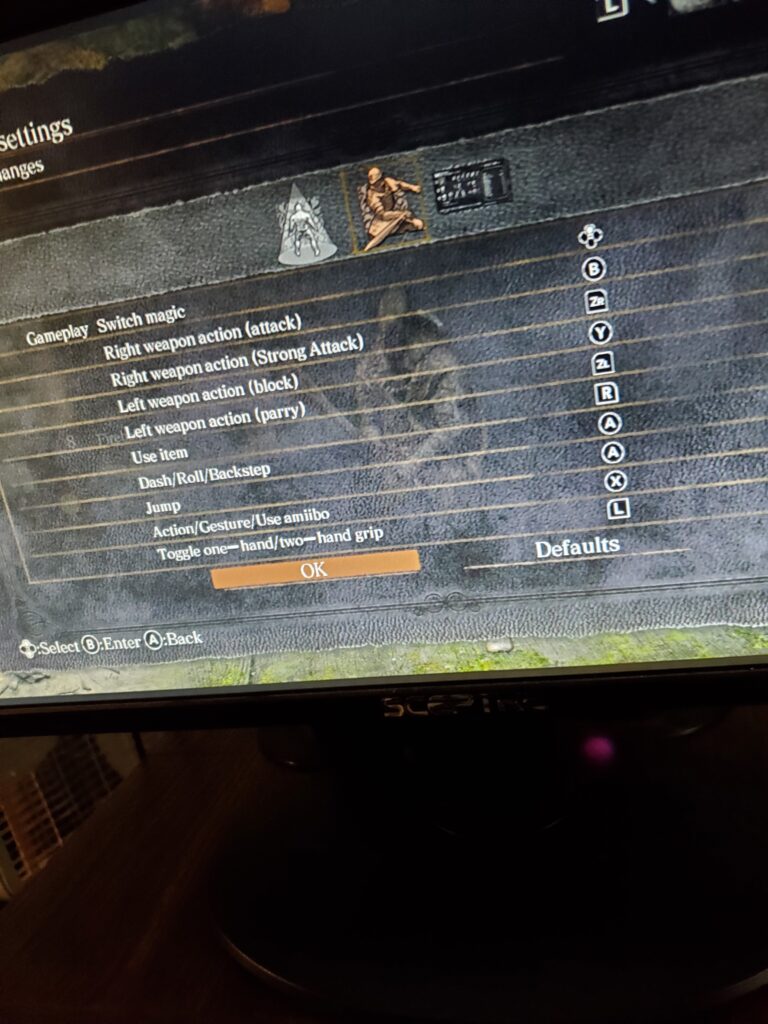
Nintendo Switch 2: Dark Souls
I remapped in Dark Souls. Dark Souls is the wrong button, so I need to reset.
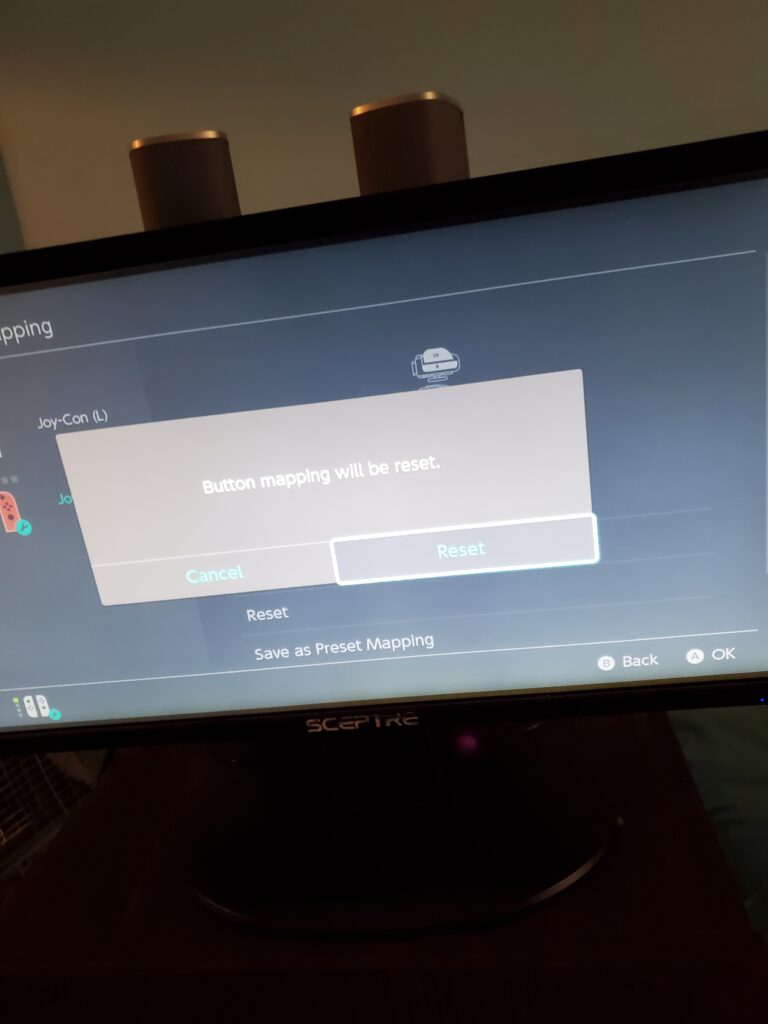
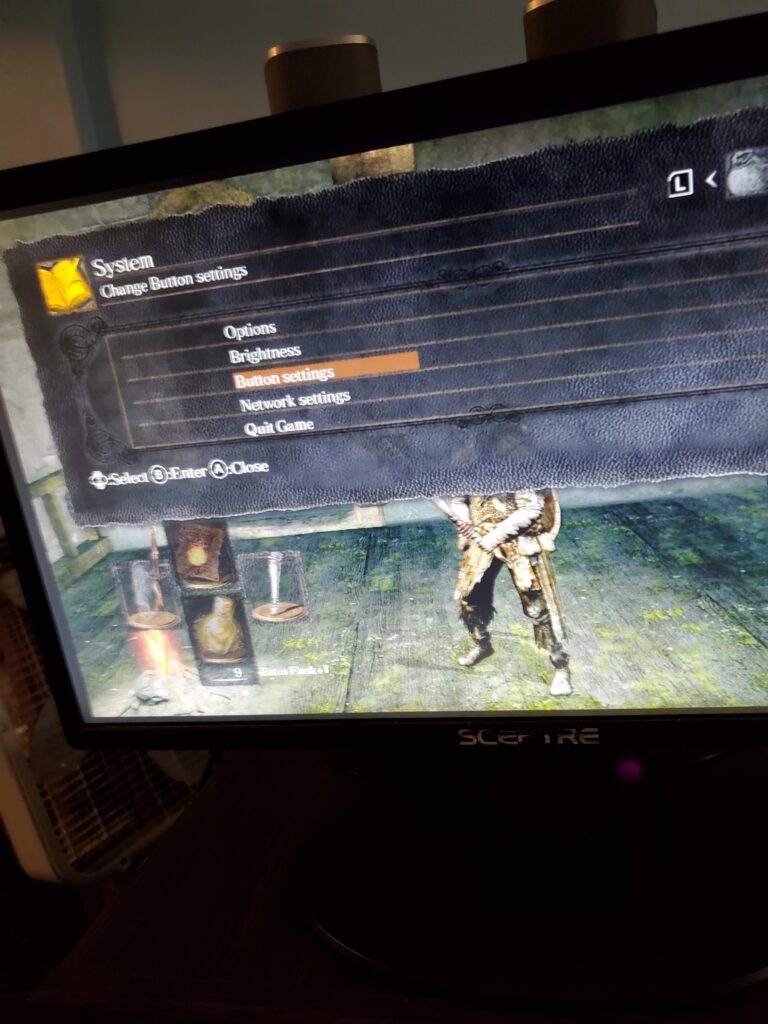
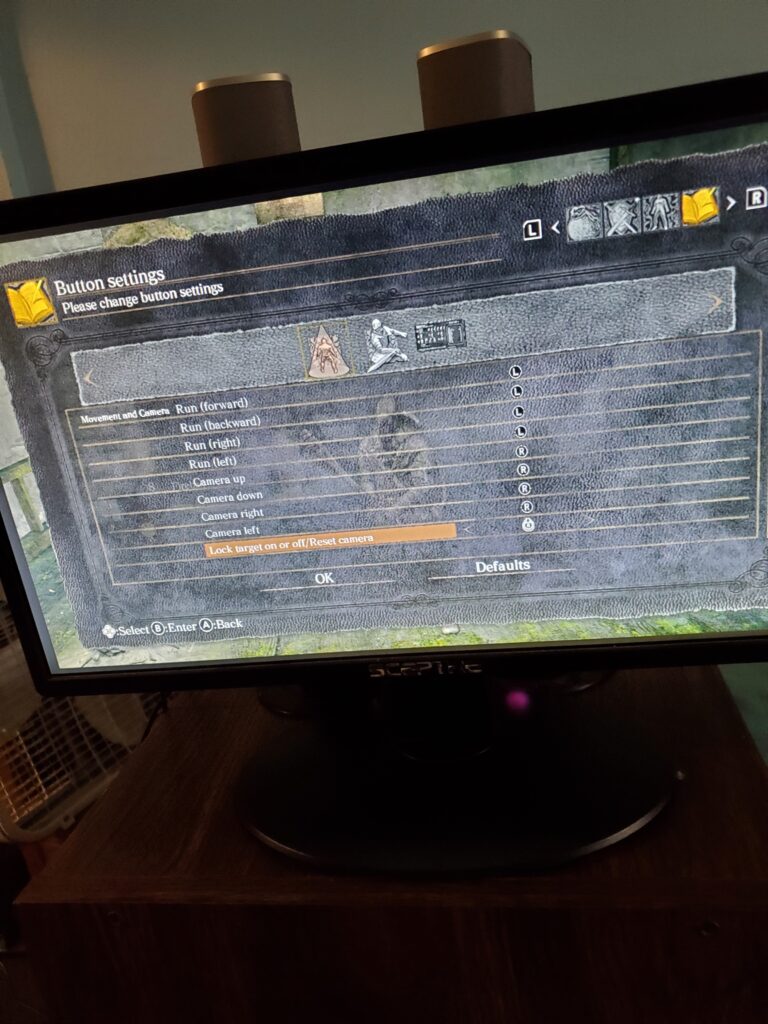
I need the d-pad to go right. Shield is Y, Attack is B, Estus Flask is R1, Two Hands is L1, and Talk is X.
PC: Cyberpunk 2077
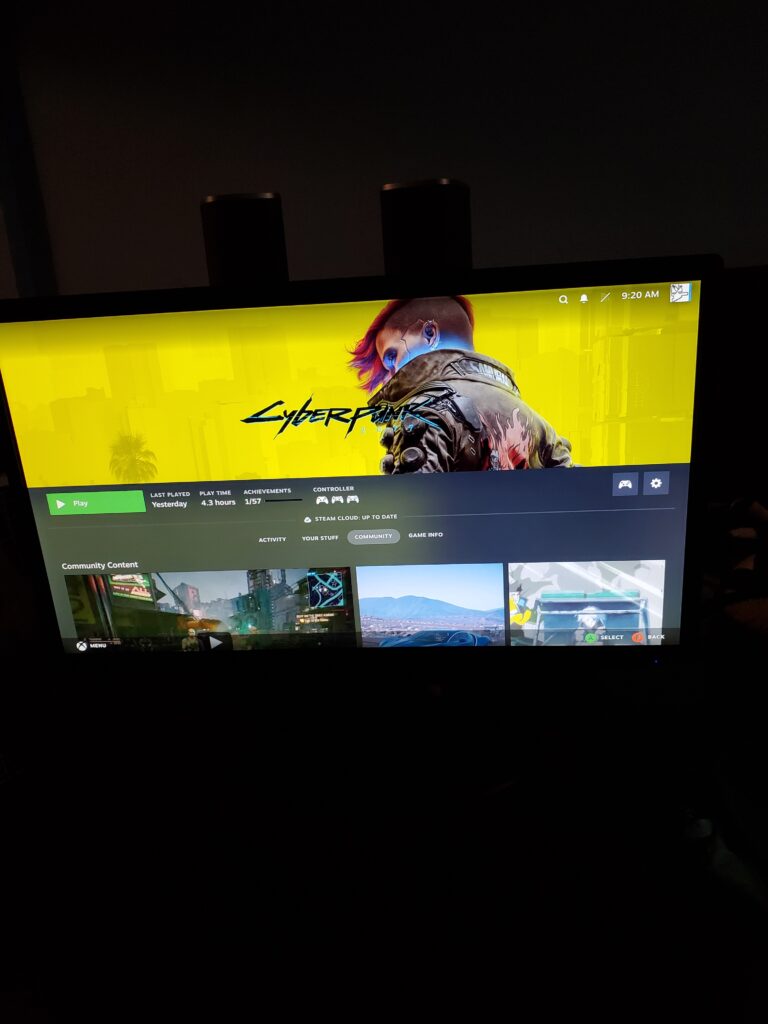
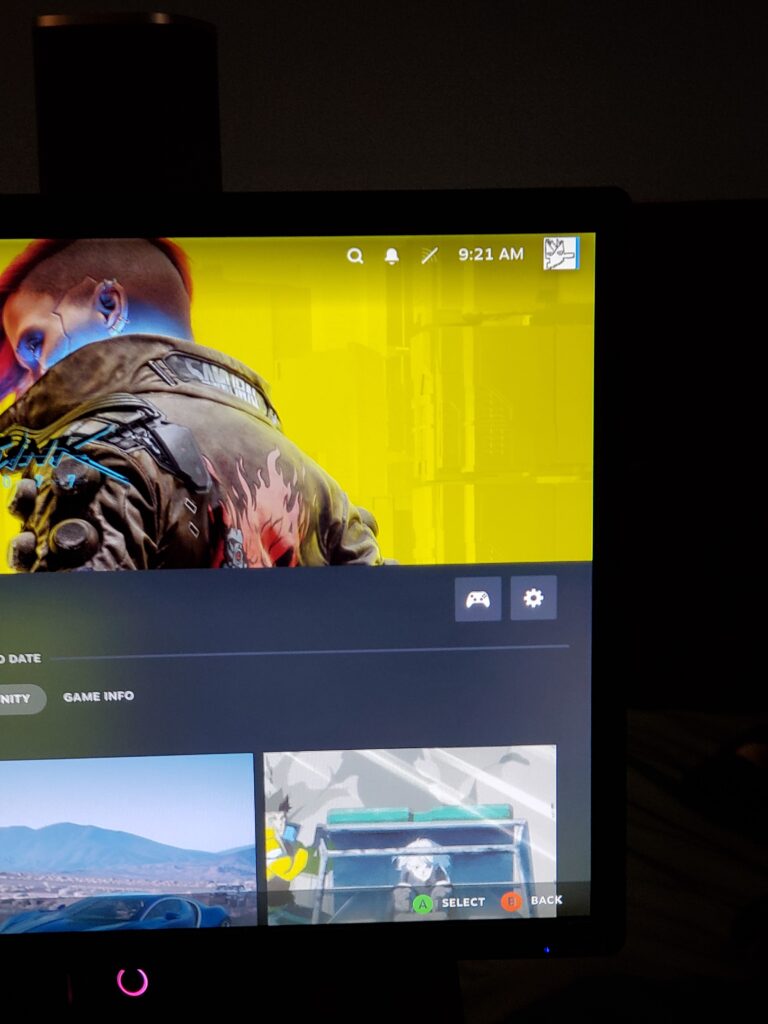
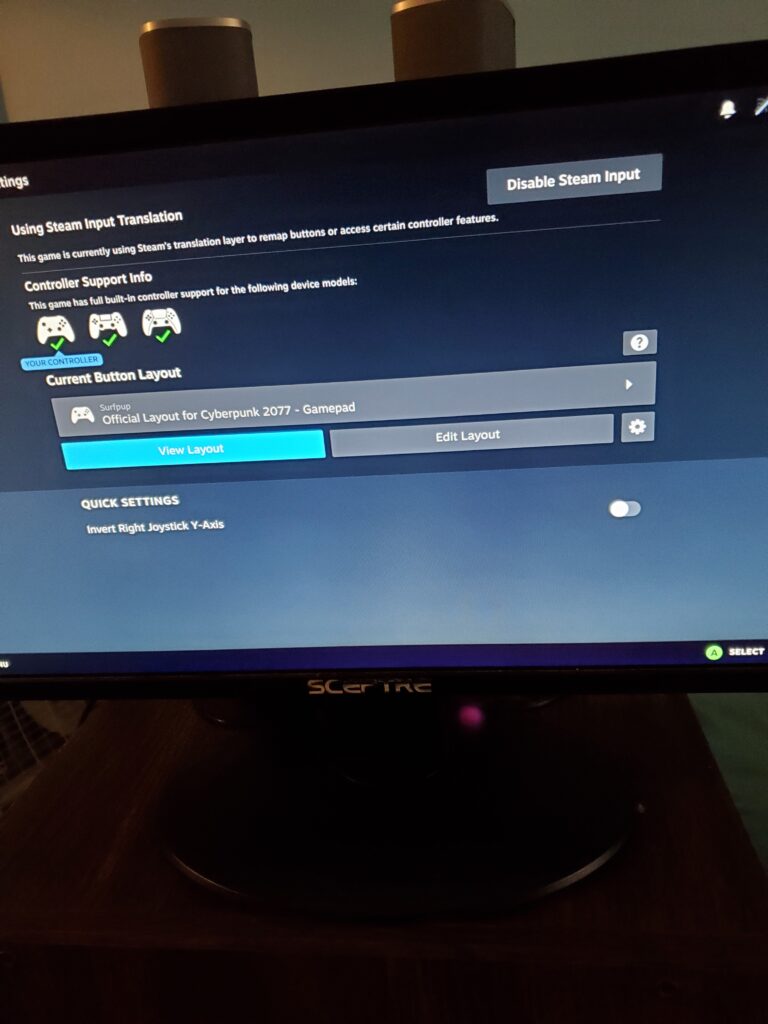
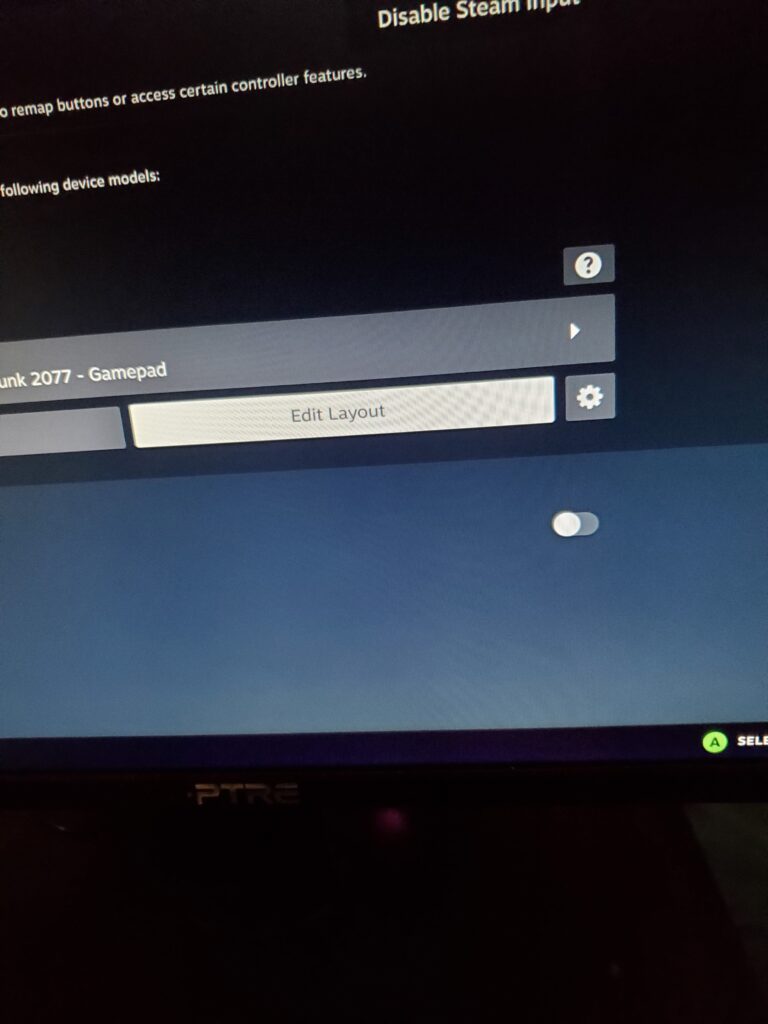
I am still taking pictures to upload for other games on my website soon! If there are any questions, let me know! Thanks!